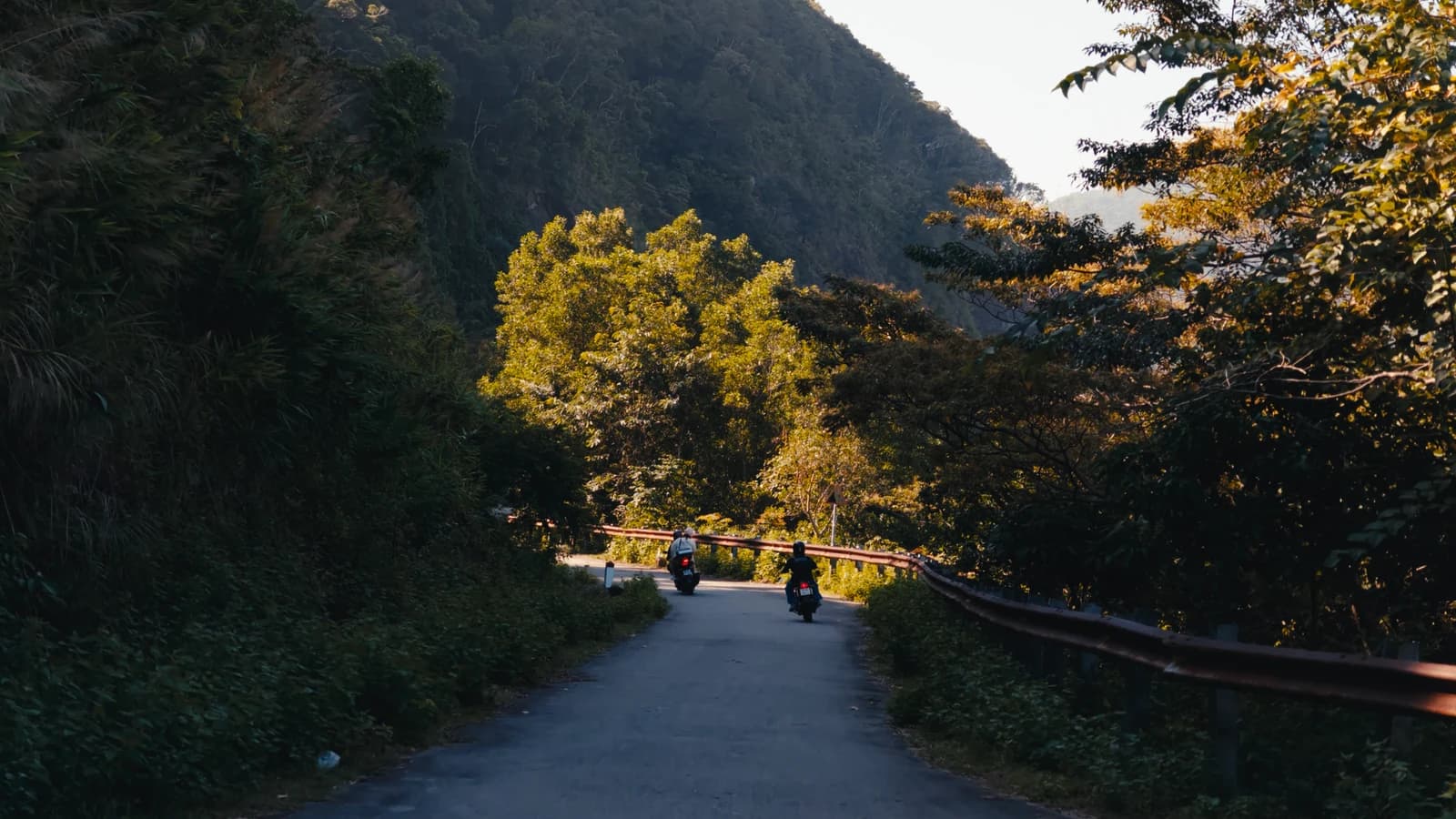
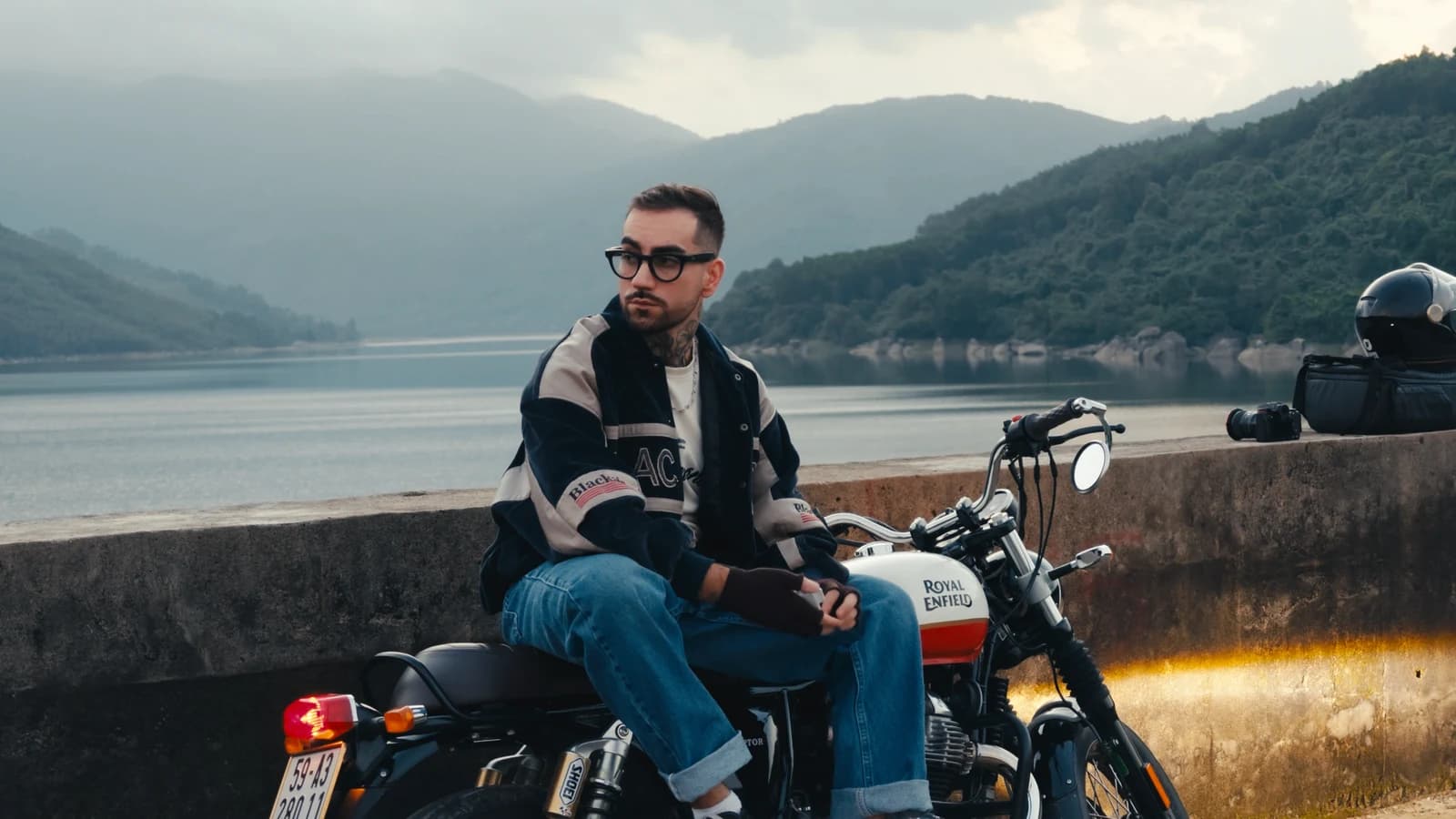
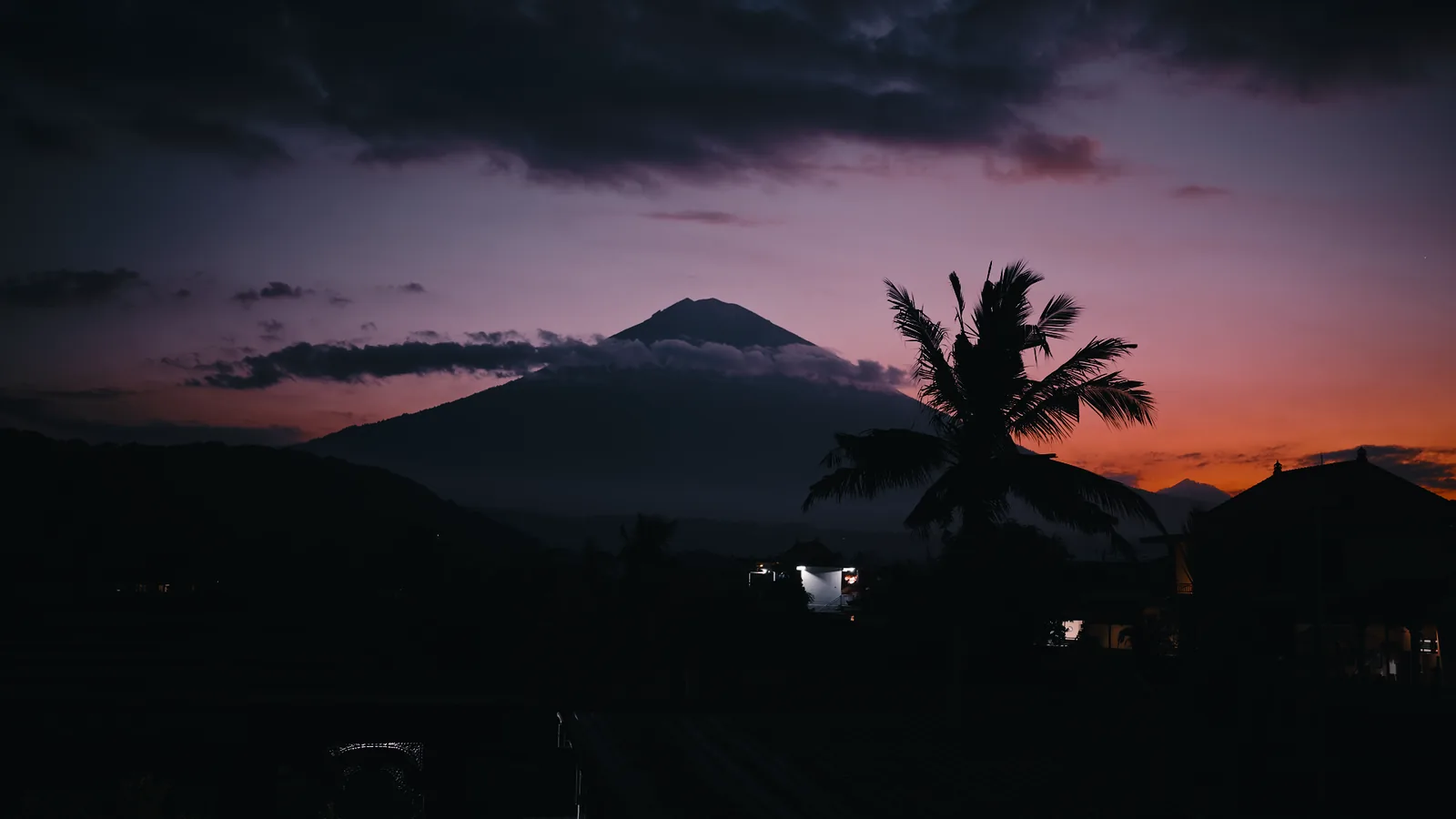
Pocket · DaVinci
Pocket PowerGrade.
DJI Pocket 4 · 4P (D-Log) · Insta360 Luna (I-Log)
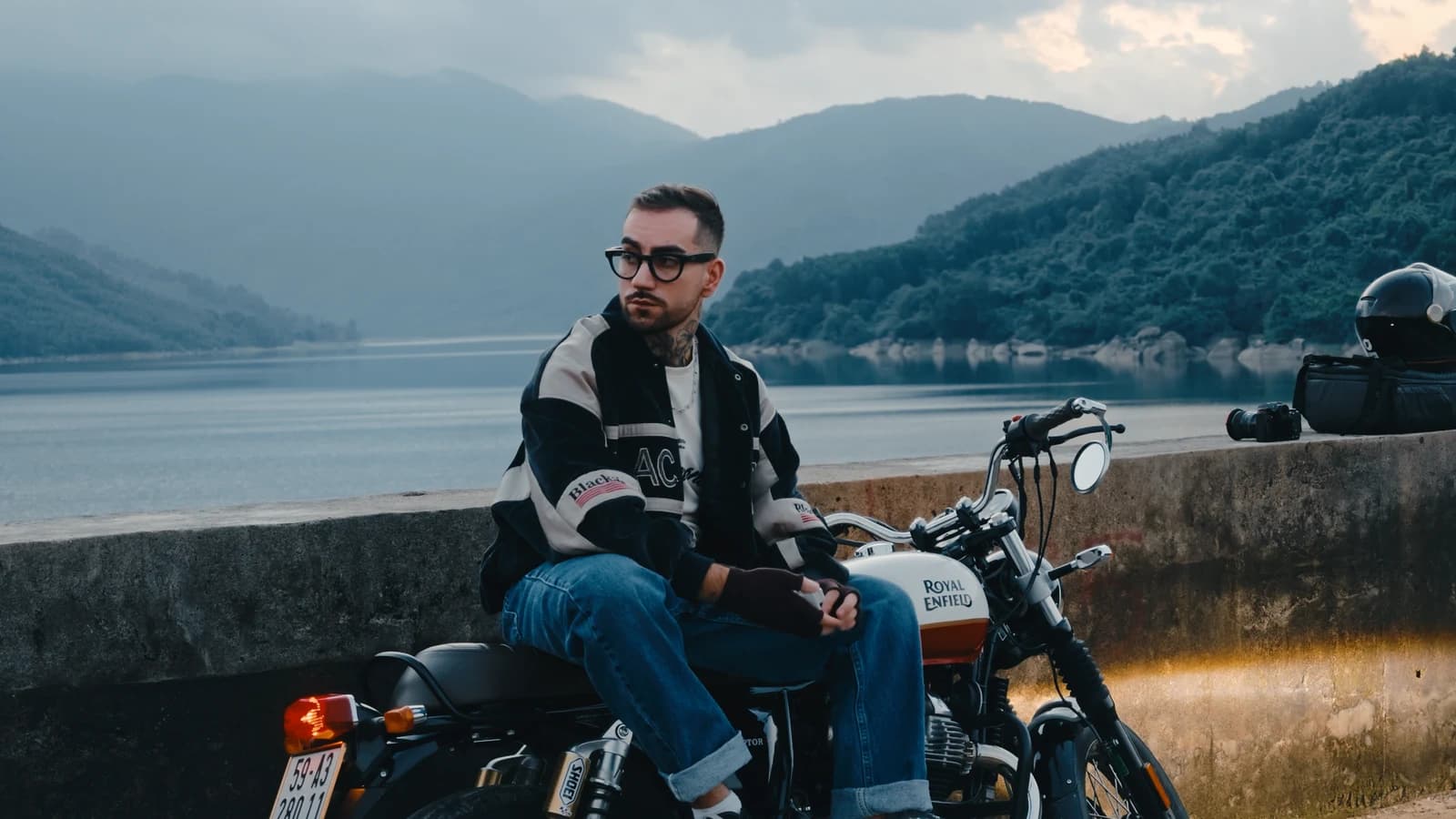
Everything for pocket cameras in one archive: the four Pocket LUT looks and four DaVinci grades. The grades come in two sets, for Insta360 Luna and for DJI Pocket 4, with the CST node already set to the camera.
$15
01 / How it looks
Four looks and four grades.
The Pocket LUT looks plus DaVinci grades for DJI Pocket 4 and Insta360 Luna.
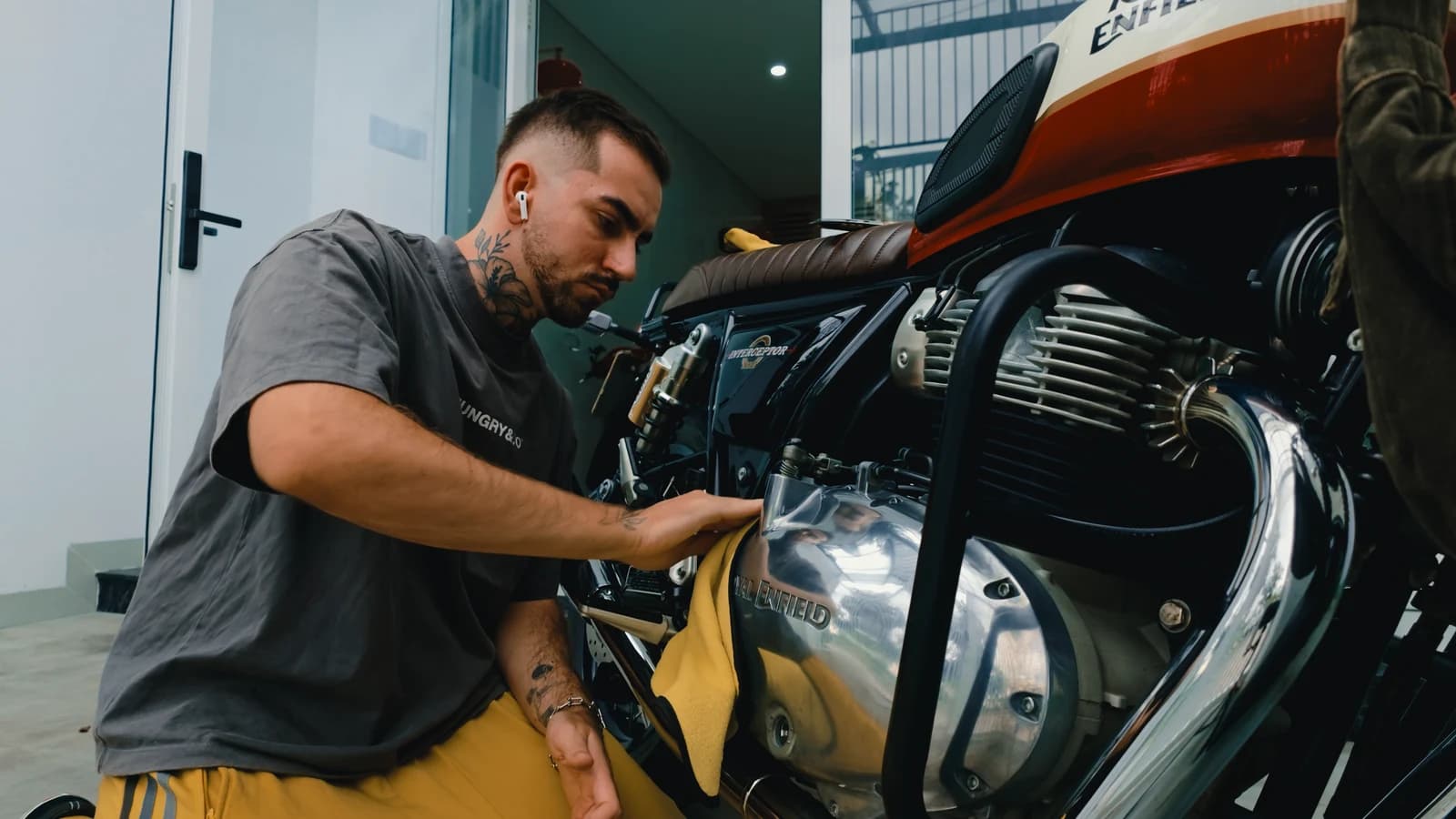
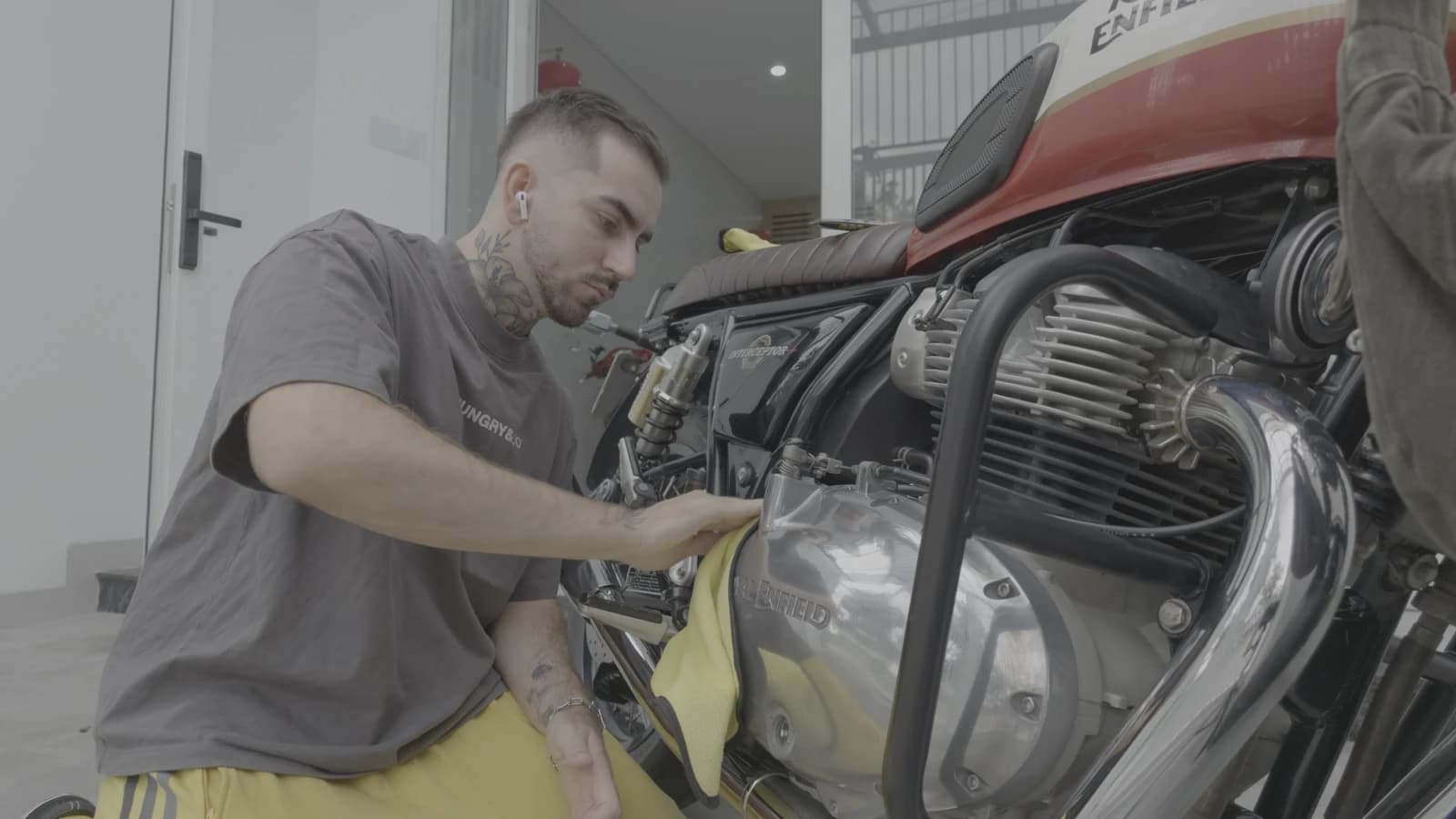
Looks in the pack
- CleanFREELUT 65 · LUT 33A clean conversion from log to a normal image. A base for your own grade. I give this one away for free.
- Island PrintFlagshipLUT 65 · LUT 33A film print look: warm skin, dense shadows, soft highlights.
- VividLUT 65 · LUT 33Rich colour that doesn’t overdo it. For bright sun and travel.
- FilmLUT 65 · LUT 33Soft, low-contrast film.
Every look in 65 points for editing on a computer and 33 for the phone.
For DaVinci
Vibrant · All Rounder · Bright Day · Flat White
Two sets of grades: for Luna in I-Log and for DJI in D-Log. Each has the CST node already set to its camera. The grades work in DaVinci Resolve only, the free version works too.
Which cameras
- DJI Pocket 4 · 4PD-Log
- Insta360 LunaI-Log
The looks and grades are built separately for each camera and its log. Osmo Pocket 3 shoots D-Log M, the Ride line is made for it.
02 / Contents
What is in the archive.
- 01Looks: Clean · Island Print · Vivid · Film in 65 and 33 points, for each camera
- 024 PowerGrades in two sets (Luna, DJI): 01 Vibrant · 02 All Rounder · 03 Bright Day · 04 Flat White
- 03The Chrome LUT they are built on
- 04Install guide
- 05The looks work in DaVinci, Premiere, Final Cut, CapCut, VN and LumaFusion; the grades are DaVinci Resolve only, the free version works too
Which cameras
- DJI Pocket 4 · 4PD-Log
- Insta360 LunaI-Log
Osmo Pocket 3 shoots D-Log M; it has a separate Ride PowerGrade. See it
03 / Install
How to install.
Five minutes once, then every look is one click away.
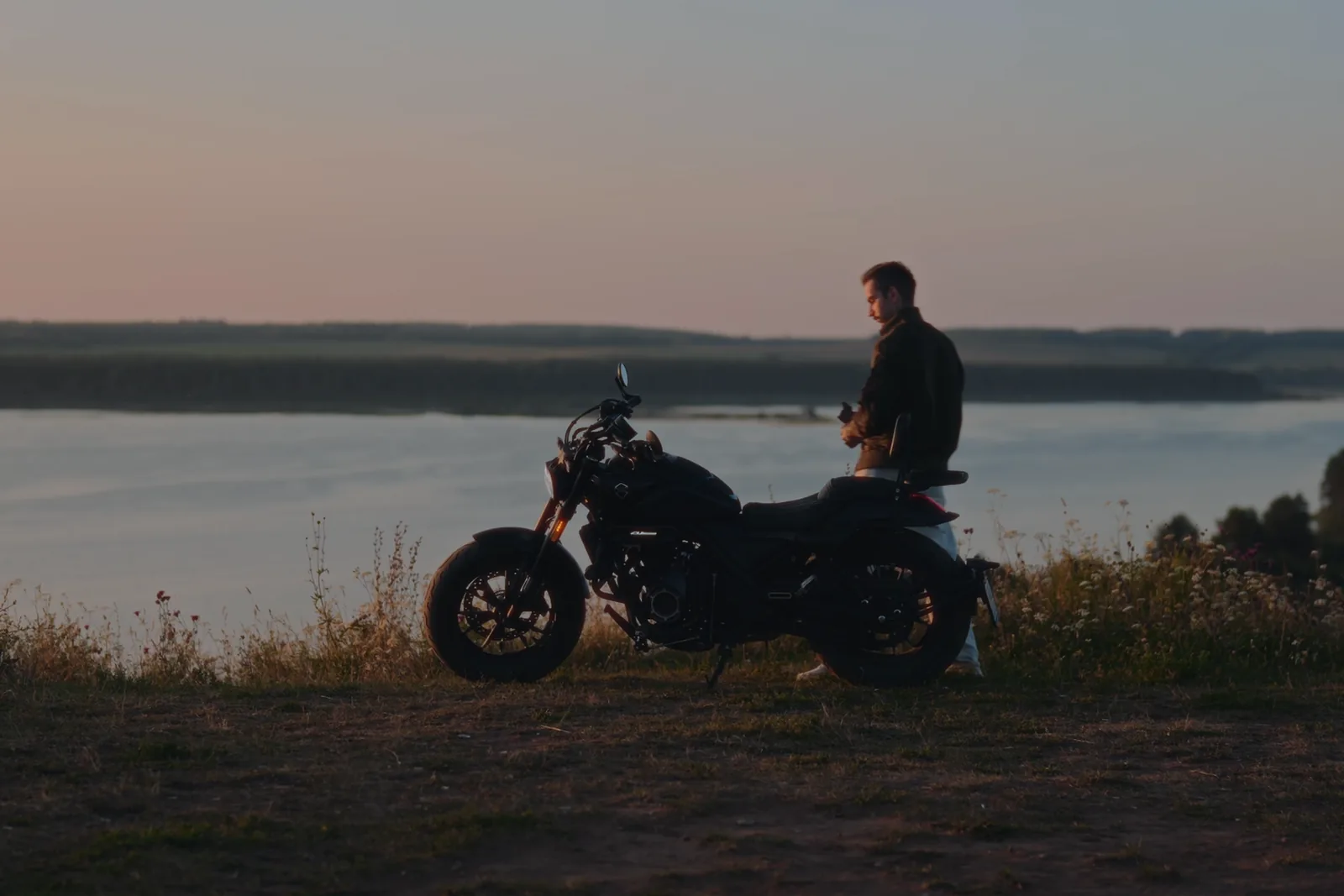
- 01Put the LUT in placeIn DaVinci: Project Settings → Color Management → Open LUT Folder. Copy the folder from the archive there as is and don't rename it: the PowerGrades look for their LUT under SHOOT.KIN. Then hit Update Lists. In Premiere, Final Cut and CapCut you load the LUT through the colour effect.
- 02Import the PowerGradesColor page → Gallery → PowerGrade album → right-click → Import. Select only the .drx files, the .dpx previews come along on their own.
- 03Apply and fine-tuneDrop the look on a clip and fix exposure and white balance before it. The LUT sets the direction, you make the final call.
04 / FAQ
Questions.
Which LUT fits my camera?
For log cameras the folder in the archive is named after the camera; in Island + Glass + Pocket they sit inside LUT - Cameras. Find yours in the table and take the files from there. Shoot on DJI Osmo, you want the Action line; on iPhone, the Glass line; on DJI Pocket 4 or Insta360 Luna, the Pocket line.
| Camera | Log | Folder in the pack |
|---|---|---|
| Panasonic Lumix | V-Log | Panasonic Lumix (V-Log) |
| Sony | S-Log3 / S-Gamut3.Cine | Sony (S-Log3) |
| Canon | C-Log3 | Canon (C-Log3) |
| Fujifilm | F-Log2 | Fujifilm (F-Log2) |
| Nikon | N-Log | Nikon (N-Log) |
| DJI Osmo Action 4 · 6 · 360 · Pocket 3 | D-Log M | Action line |
| iPhone 17 Pro · 18 Pro | Apple Log 2 | Glass line |
| DJI Pocket 4 · 4P | D-Log | DJI Pocket 4 (D-Log) |
| Insta360 Luna | I-Log | Insta360 Luna (I-Log) |
D-Log vs D-Log M: what’s the difference?
They’re different profiles. The Action line is for D-Log M, which the Osmo Action 4 and 6, Osmo 360 and Osmo Pocket 3 shoot. D-Log is what the DJI Pocket 4 and 4P shoot, and that’s the Pocket line. Mix them up and the colour will be off.
33 or 65: which one?
33 points is for phones and tablets (CapCut, VN, LumaFusion), plus monitors and cameras that can load a LUT. 65 is for editing on a computer in DaVinci, Premiere and Final Cut: it’s more precise on sky and skin gradients.
Which apps does it work in?
The .cube LUTs open in DaVinci Resolve, Premiere Pro, Final Cut Pro, CapCut, VN and LumaFusion. PowerGrades work only in DaVinci Resolve, including the free version.
I don’t shoot log. Will it work?
No. The LUTs are built for log footage: on a regular image they crush contrast and push the colour. Switch your camera to a log profile, and if you’re not sure how, message me.
Can I use them in commercial work?
Yes, in personal and commercial projects. You can’t resell, share or post the files themselves.
05 / Next