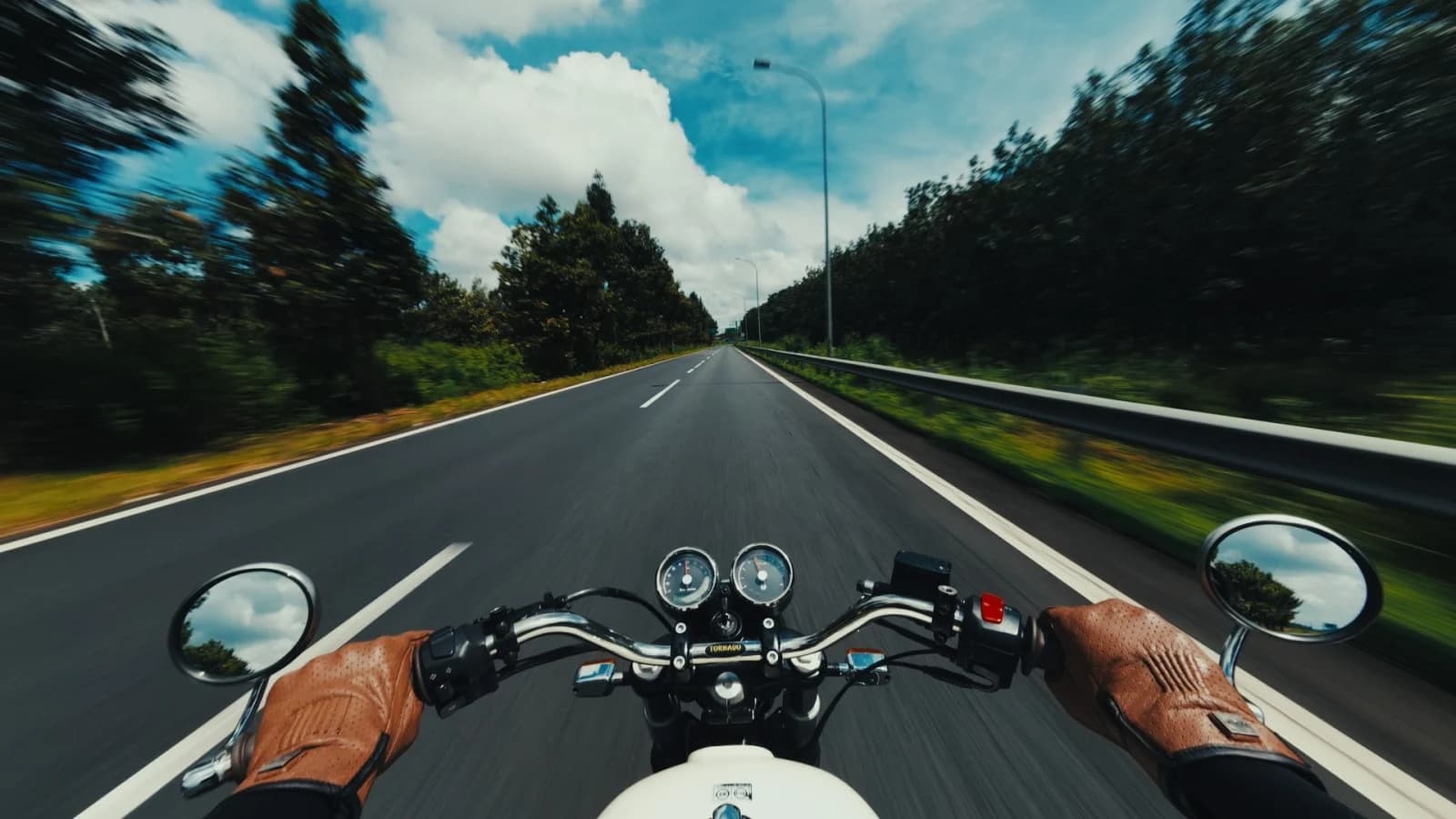
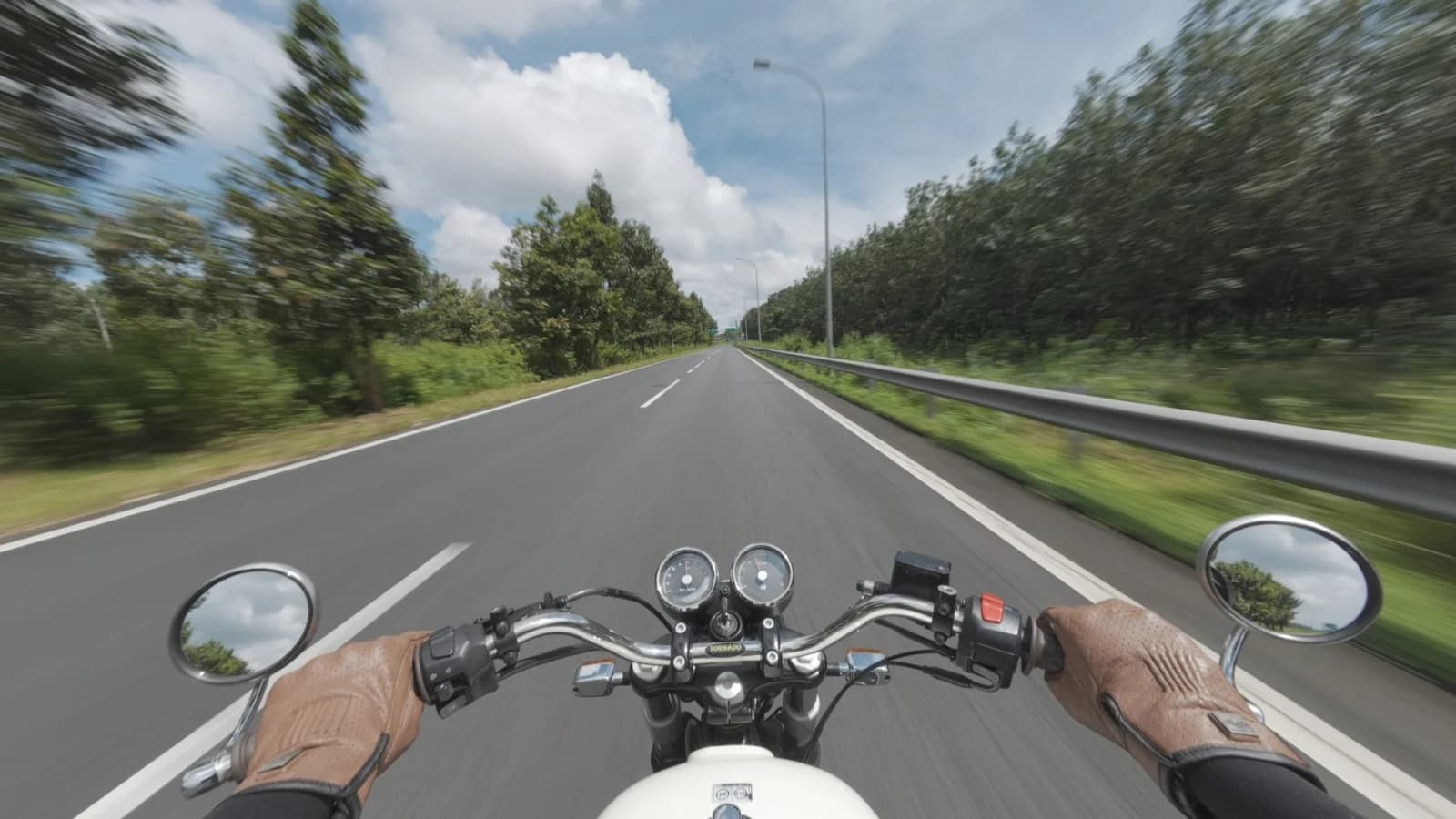
Action · D-Log M
Ride LUT.
A free LUT for DJI Osmo, D-Log M: a film look in one click. Try it on your own footage before you buy.
Free
01 / Grading
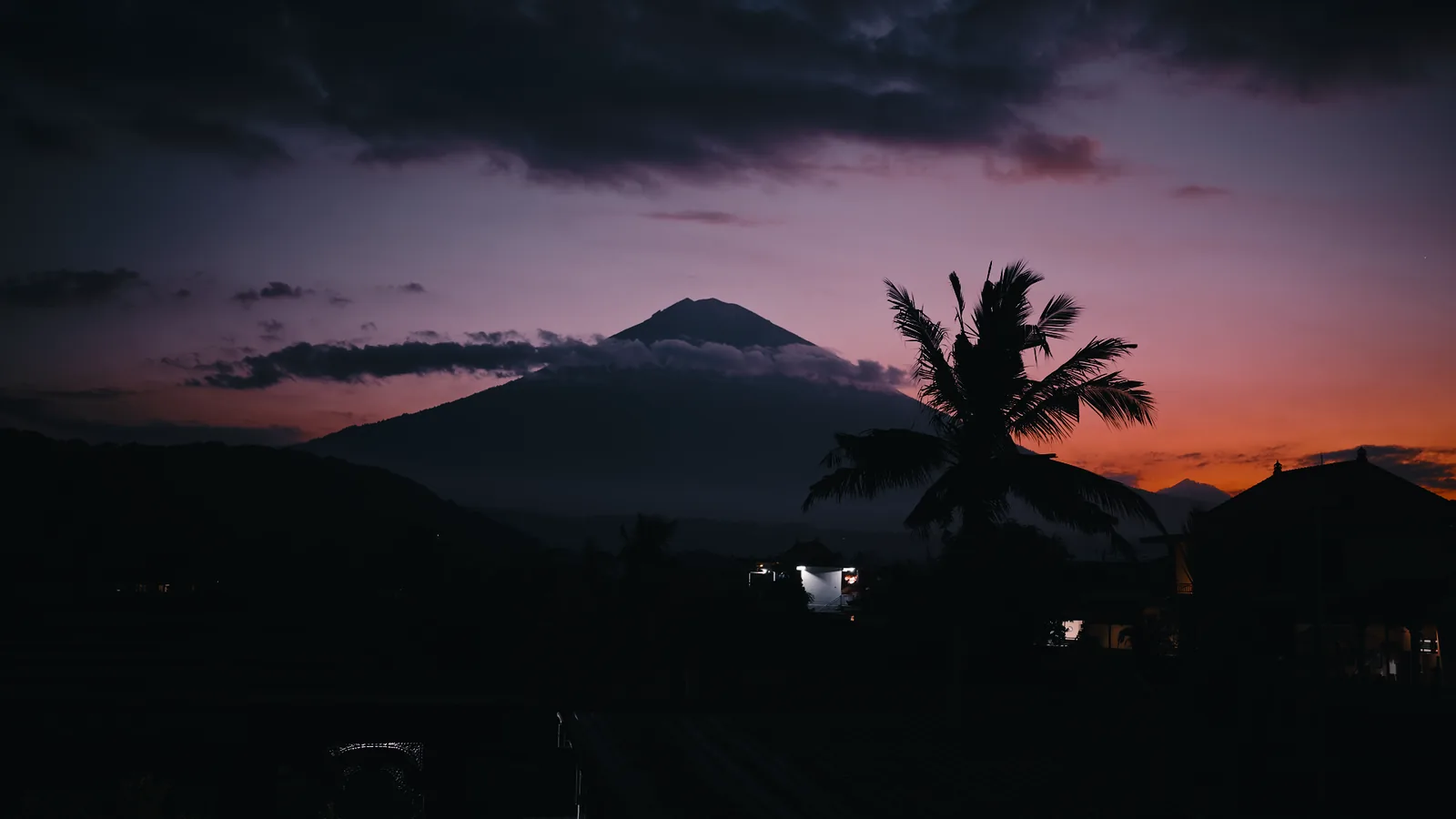
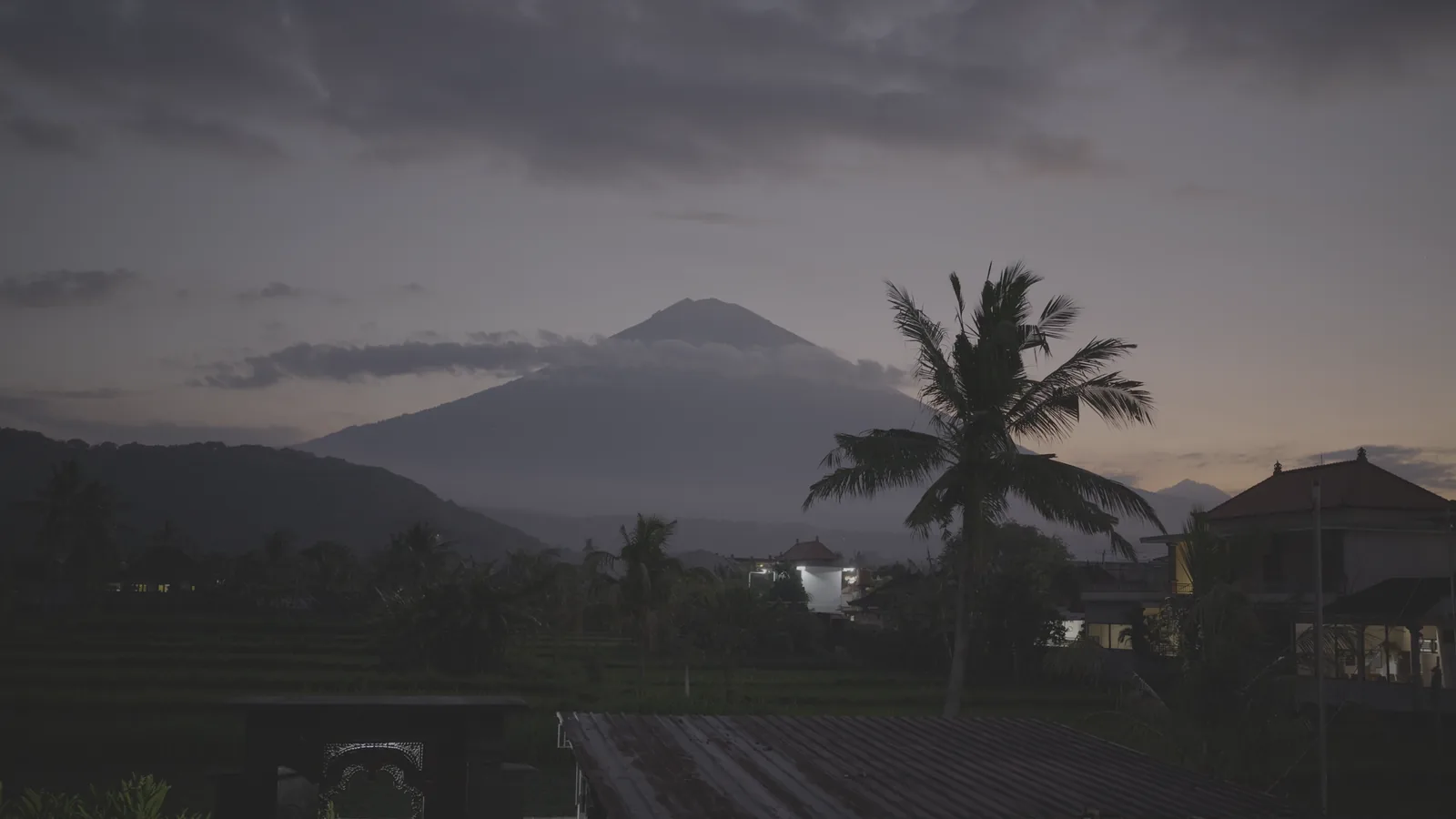
Drag across a frame to watch flat log turn into a picture. Try the looks under the frame right in the card. Pick your camera, and only what works on it stays.
A free LUT for DJI Osmo, D-Log M: a film look in one click. Try it on your own footage before you buy.
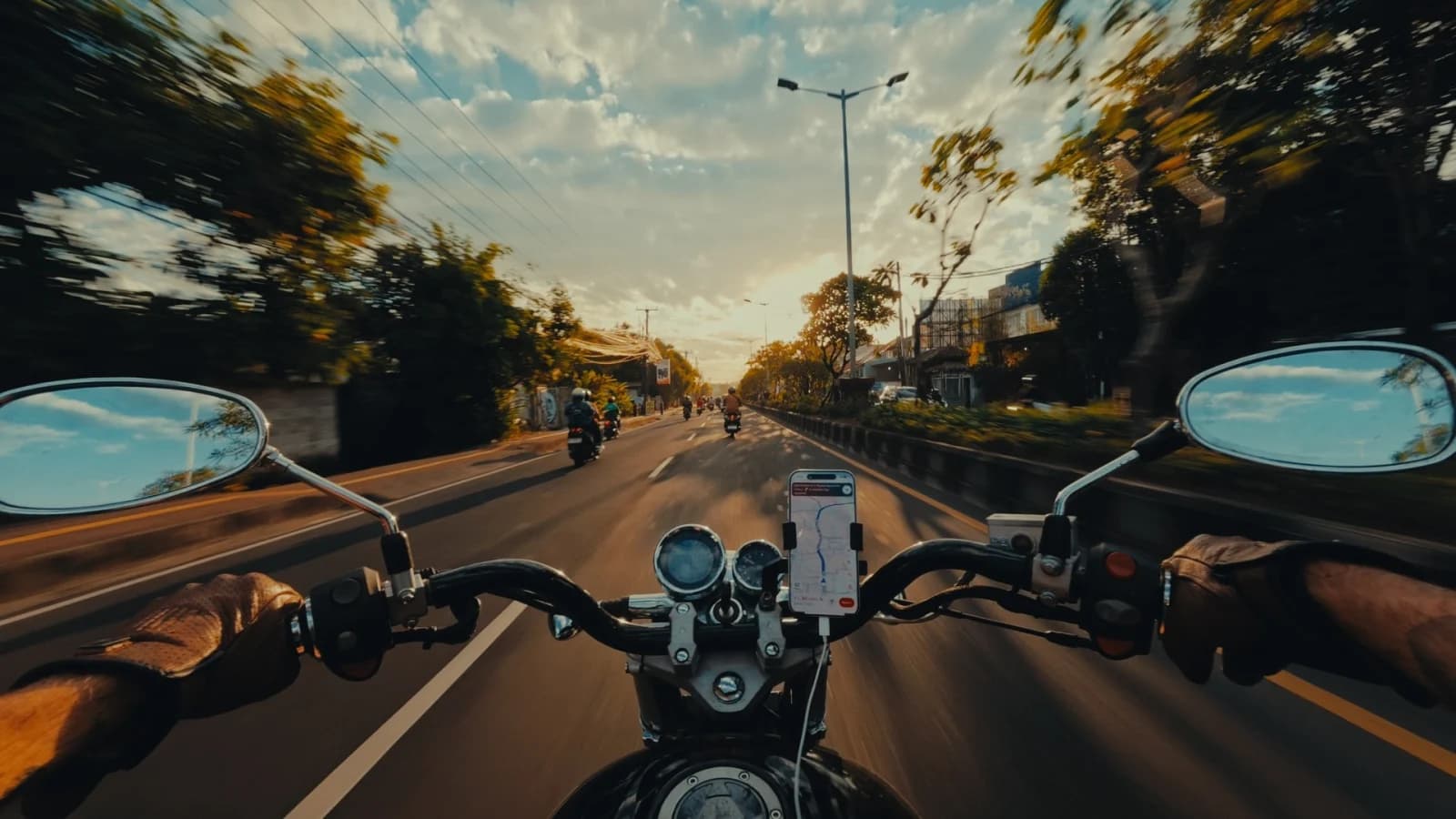
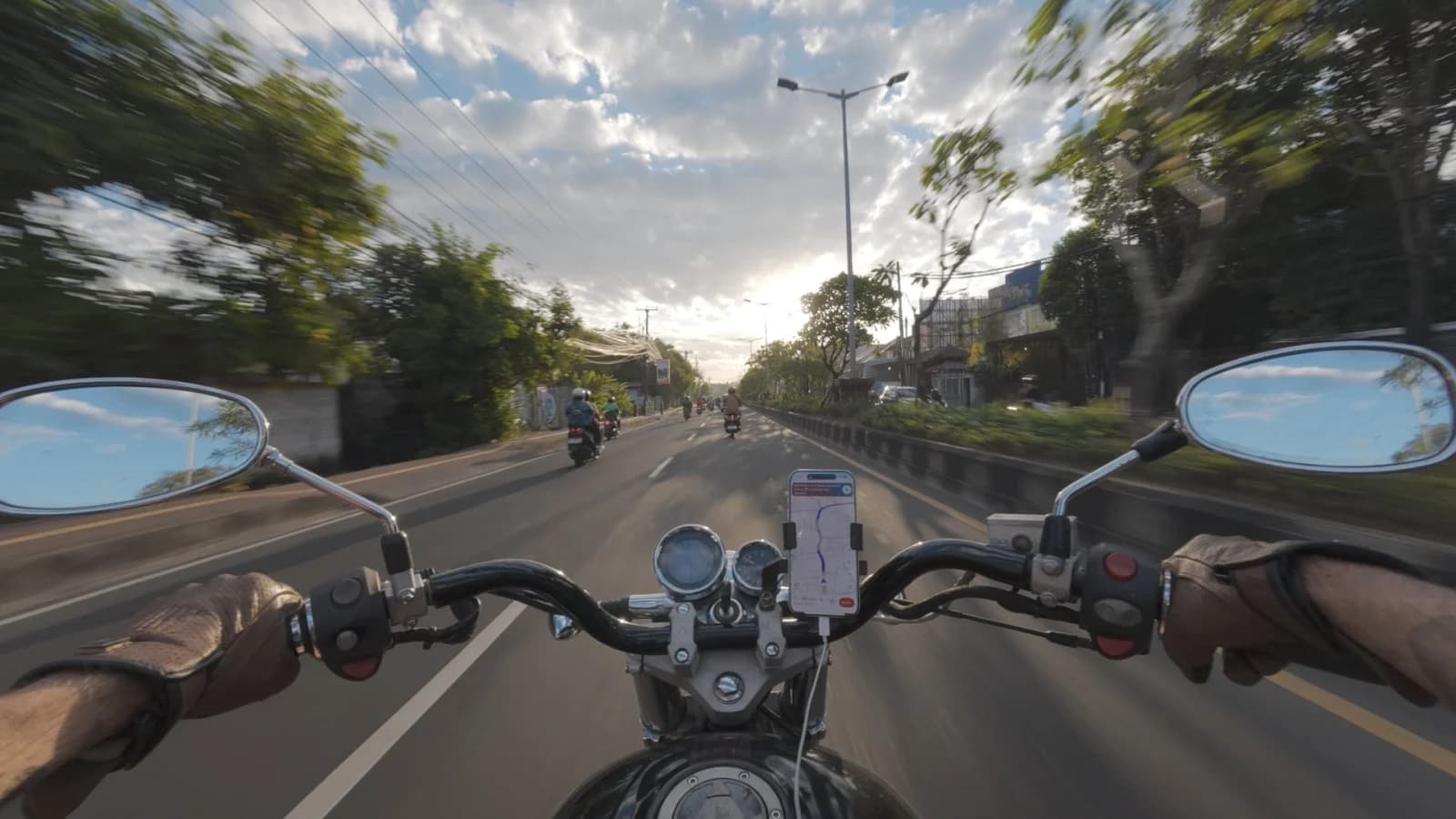
3 DaVinci grades for DJI Osmo, D-Log M. The node-based grade I use on my own Osmo footage on the move. Tune it to your scene.
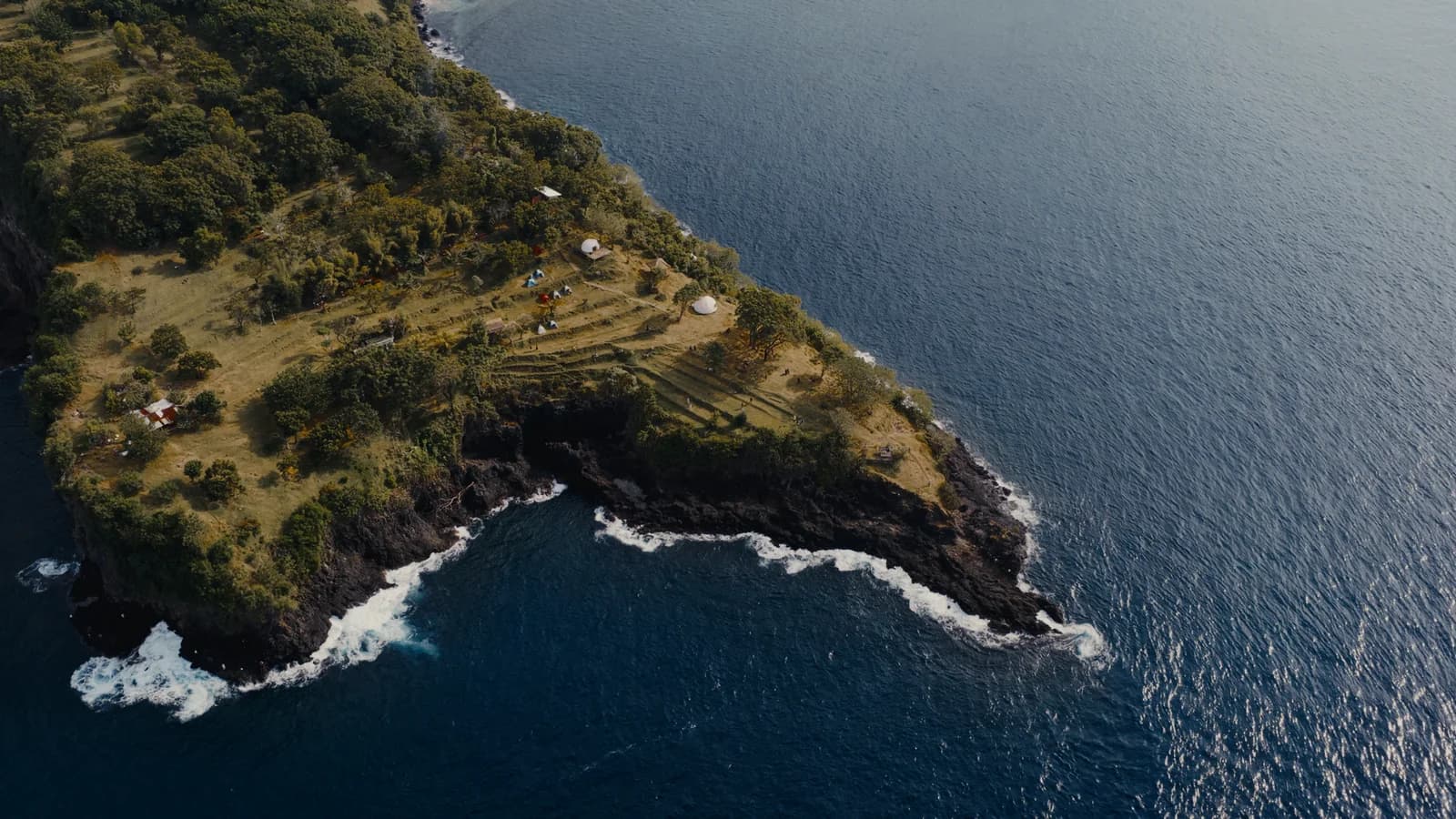
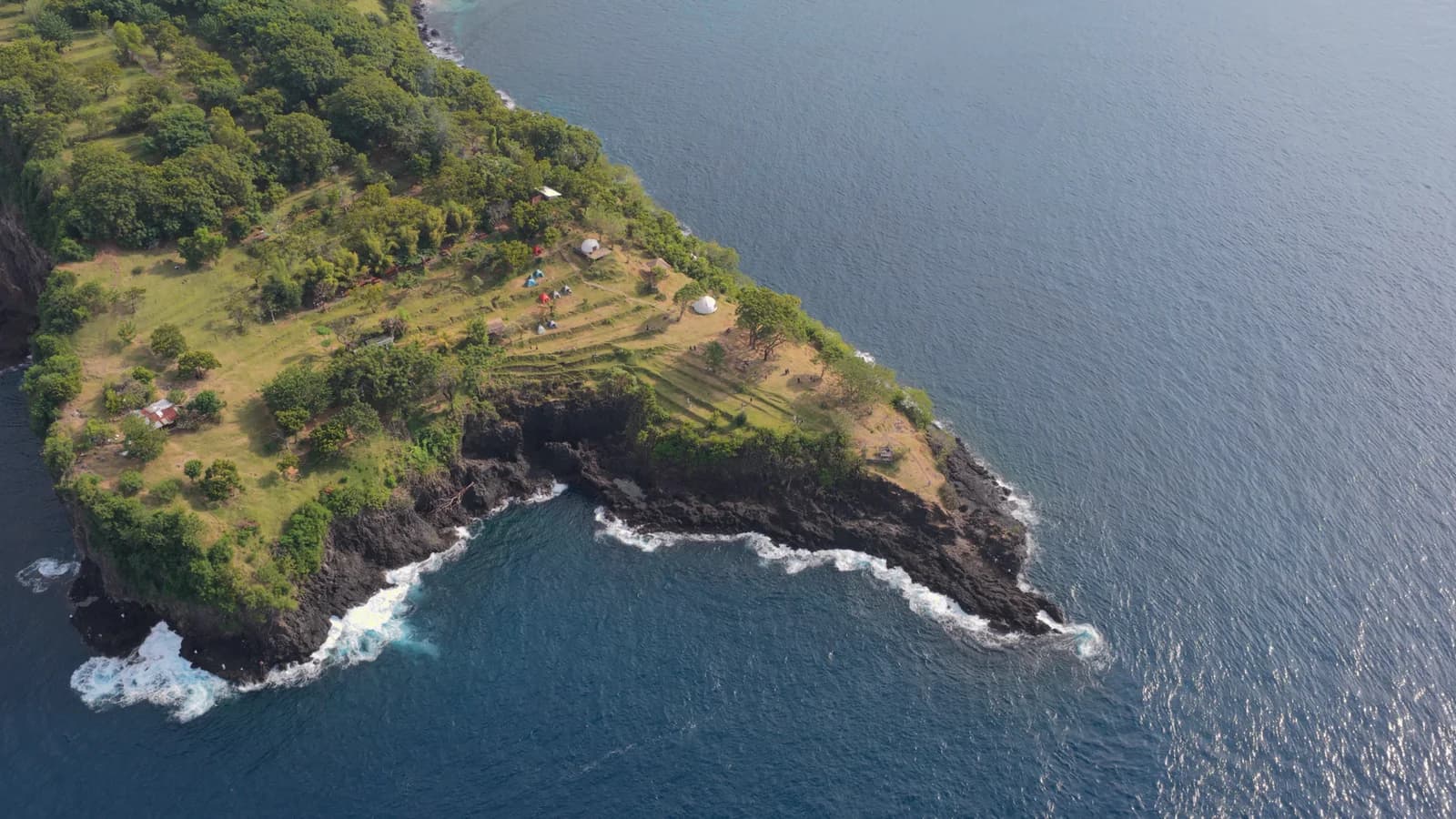
Four looks for five log cameras. Island Print is my flagship, start with that one.
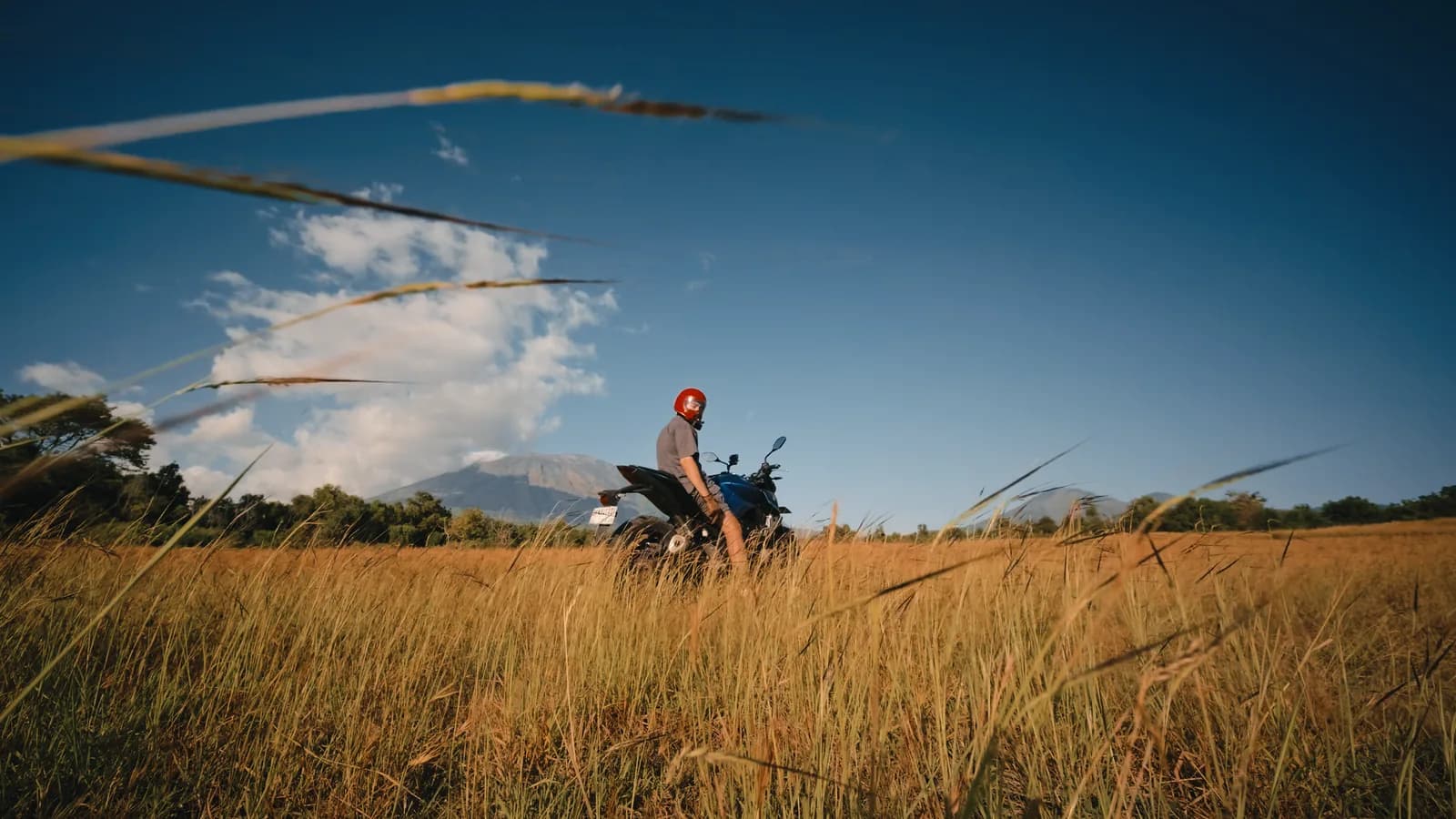
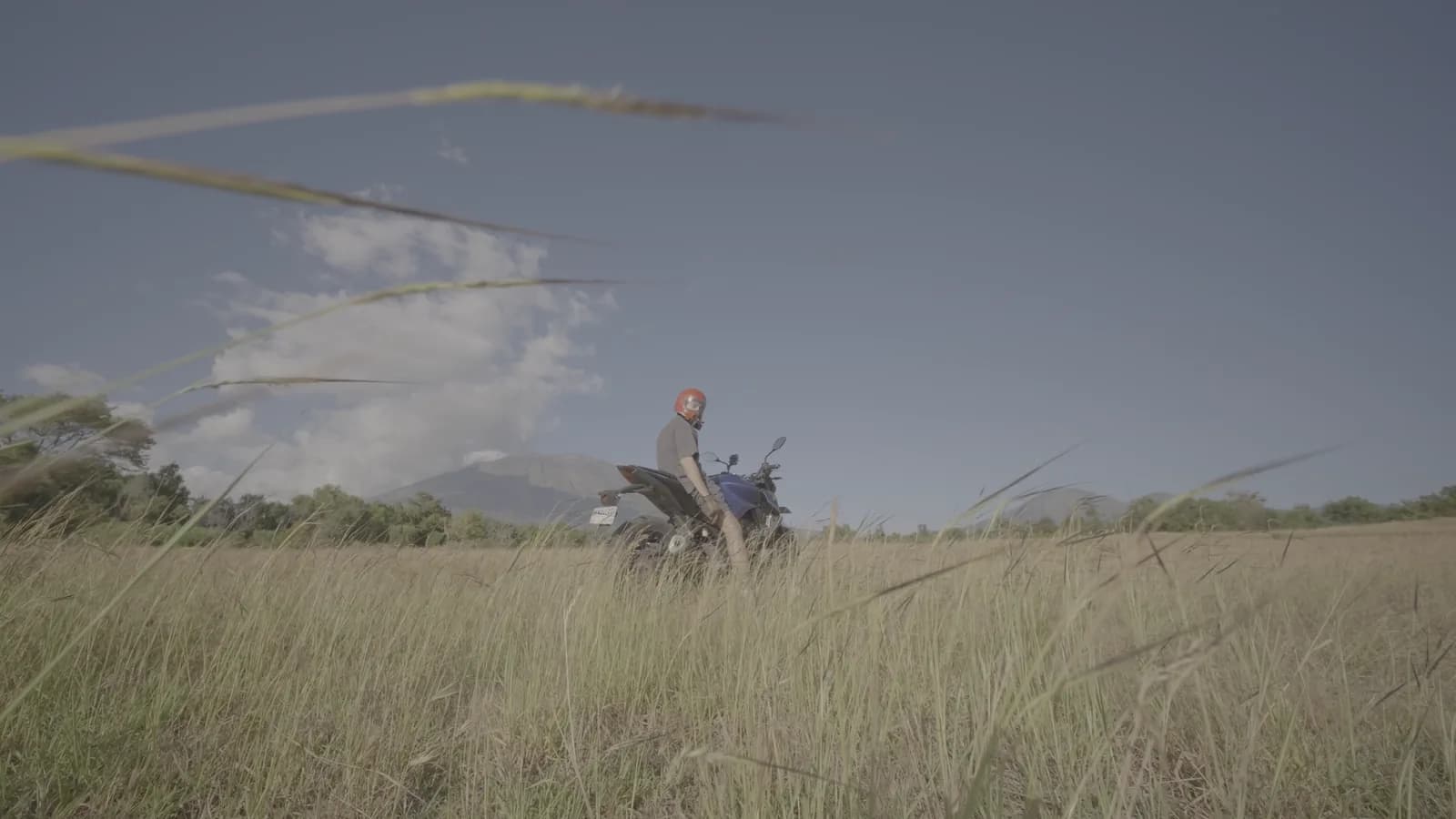
Four DaVinci grades for log cameras. The CST node is set to Lumix V-Log by default: switch it to your camera and the grade is ready.
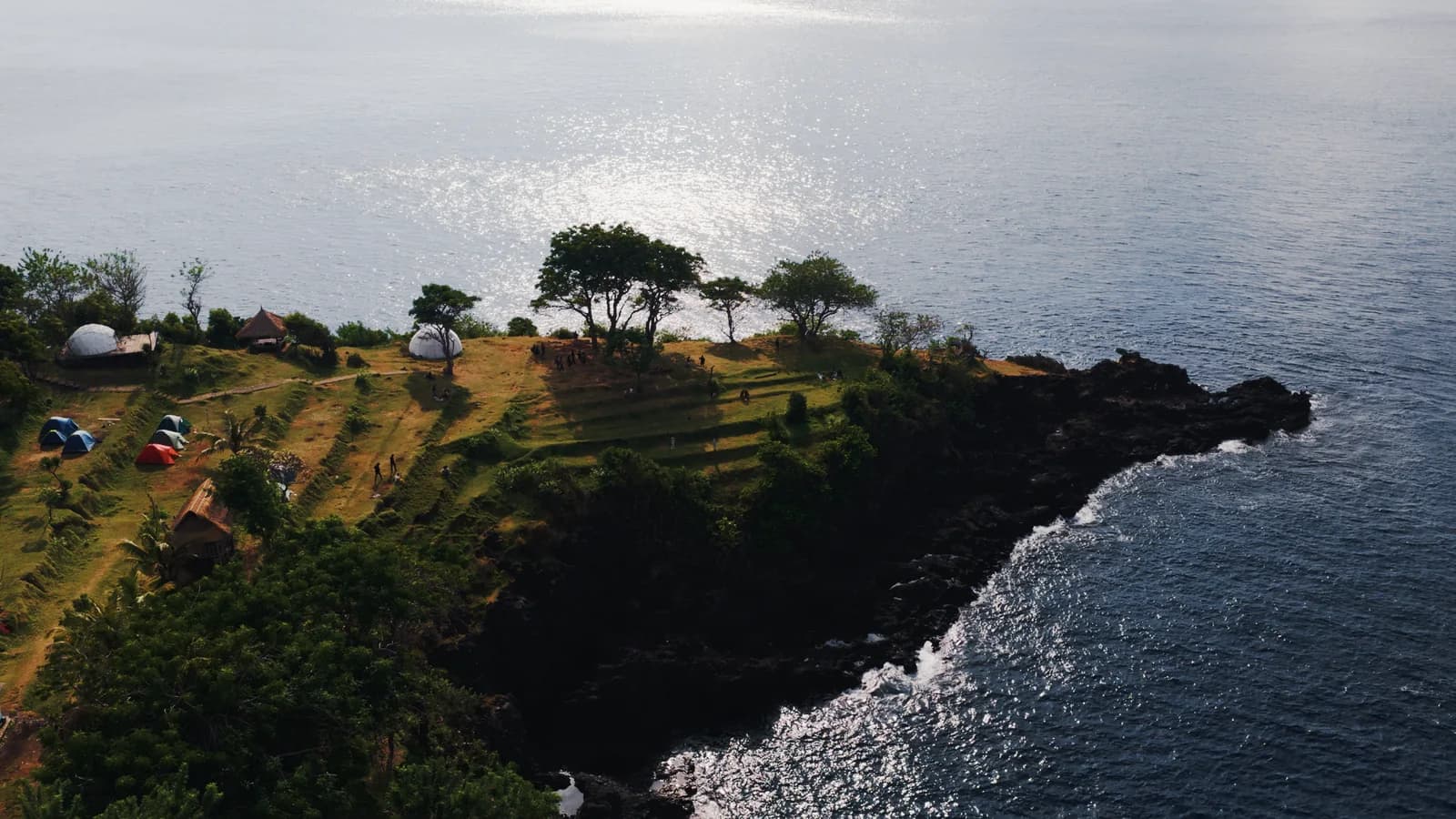
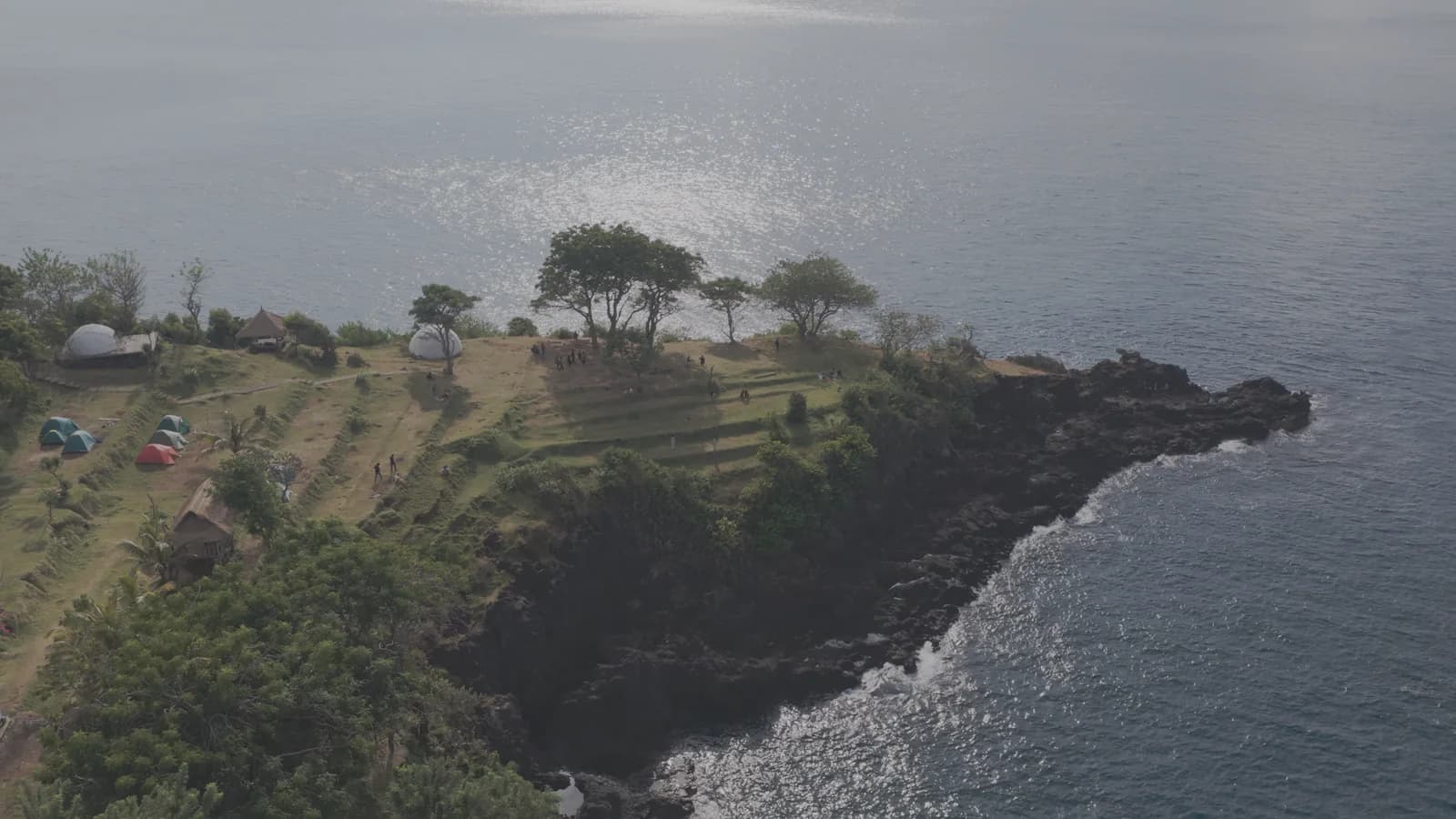
A free Clean LUT for log cameras: a clean conversion to a normal picture and a base for your own grade. A folder for each of the five cameras.
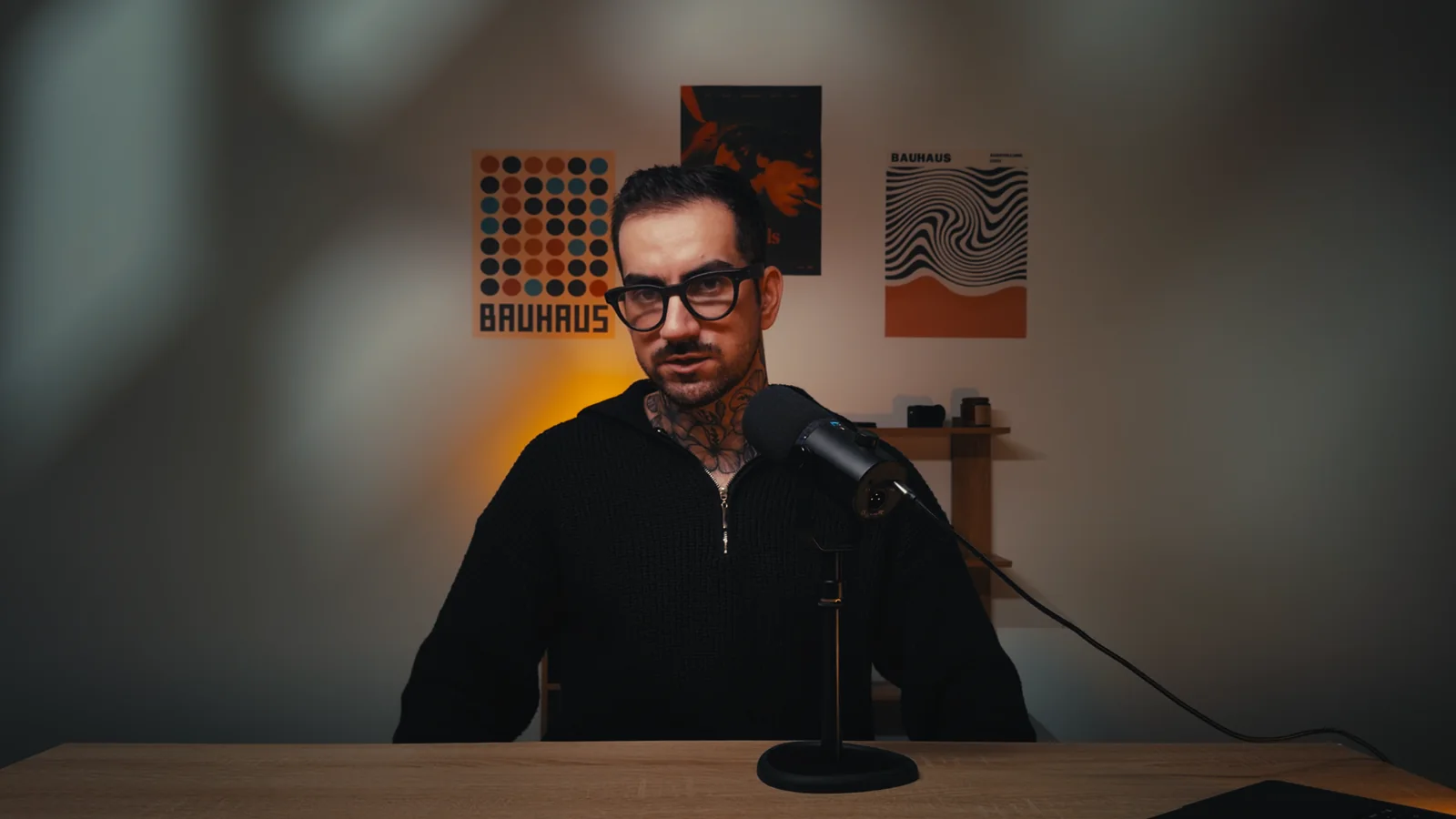
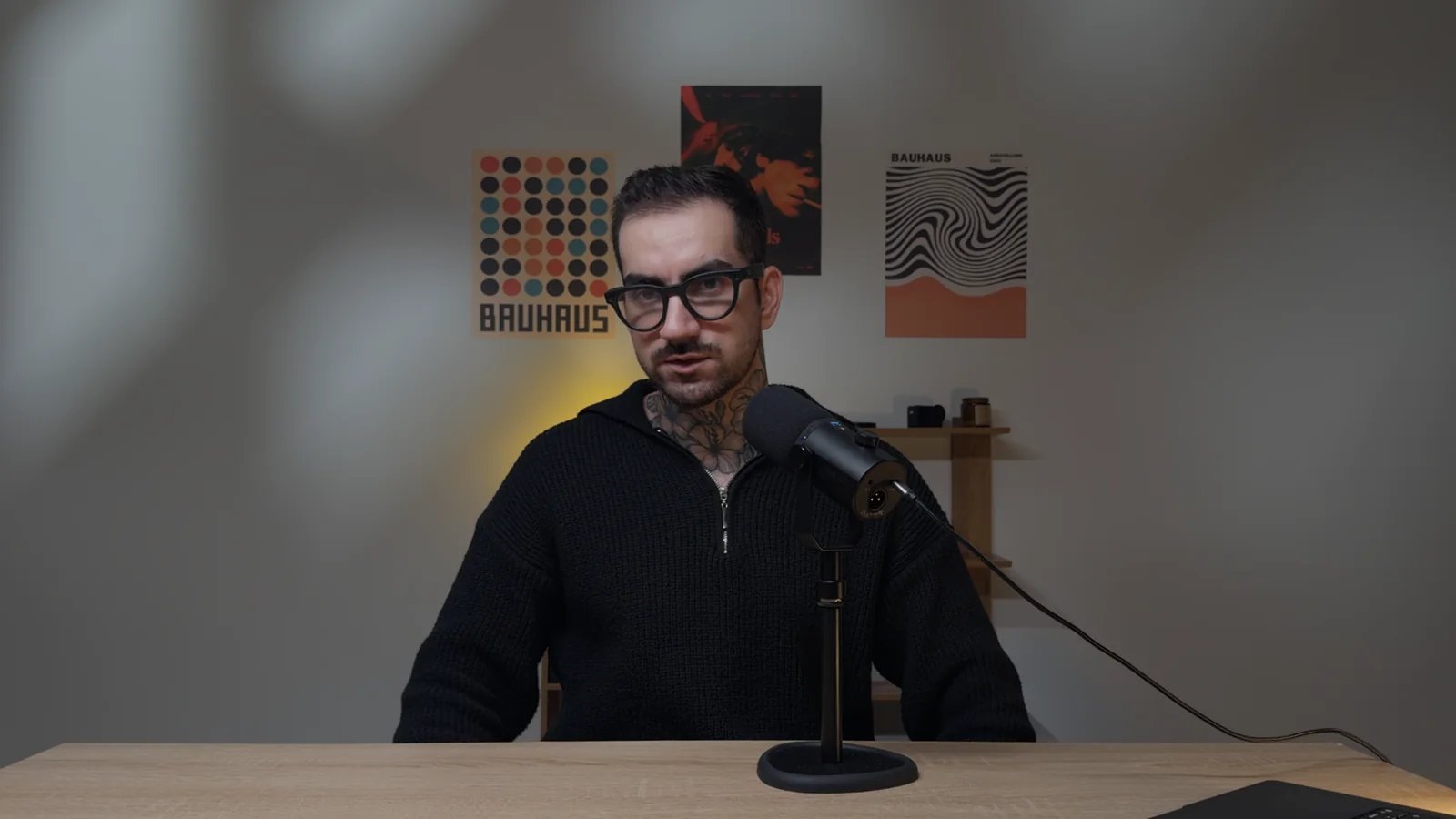
A free Clean LUT for iPhone 17 Pro and 18 Pro in Apple Log 2. The same Clean as in Glass LUT.
Five looks for Apple Log 2: four in 65 and 33 points, plus Dusk Print in 33. Plus an install guide.
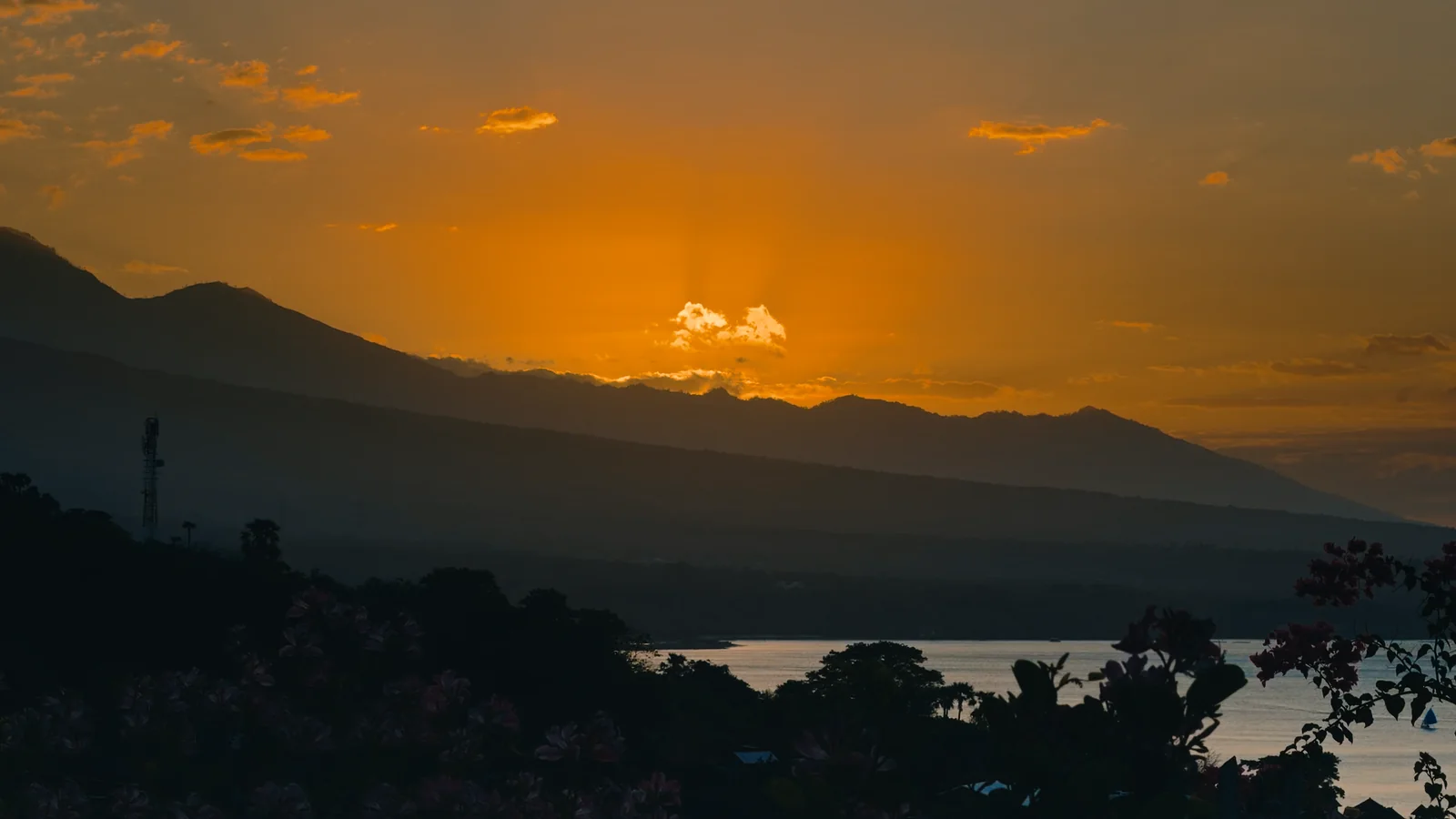
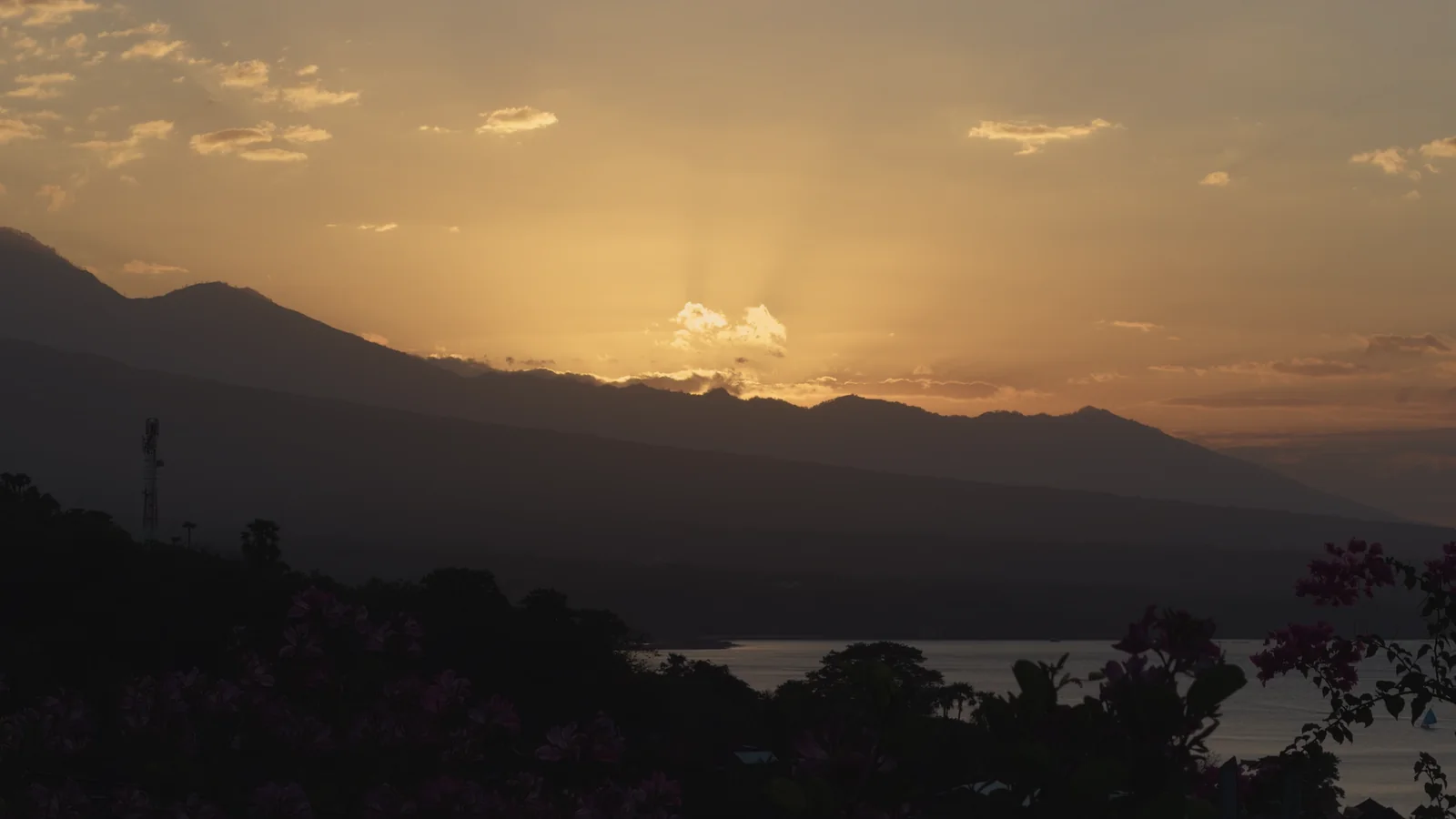
Everything for iPhone in Apple Log 2 in one archive: five looks and four DaVinci grades. The CST node is already set to Apple Log 2: drop a grade on a clip and adjust it to your scene node by node.
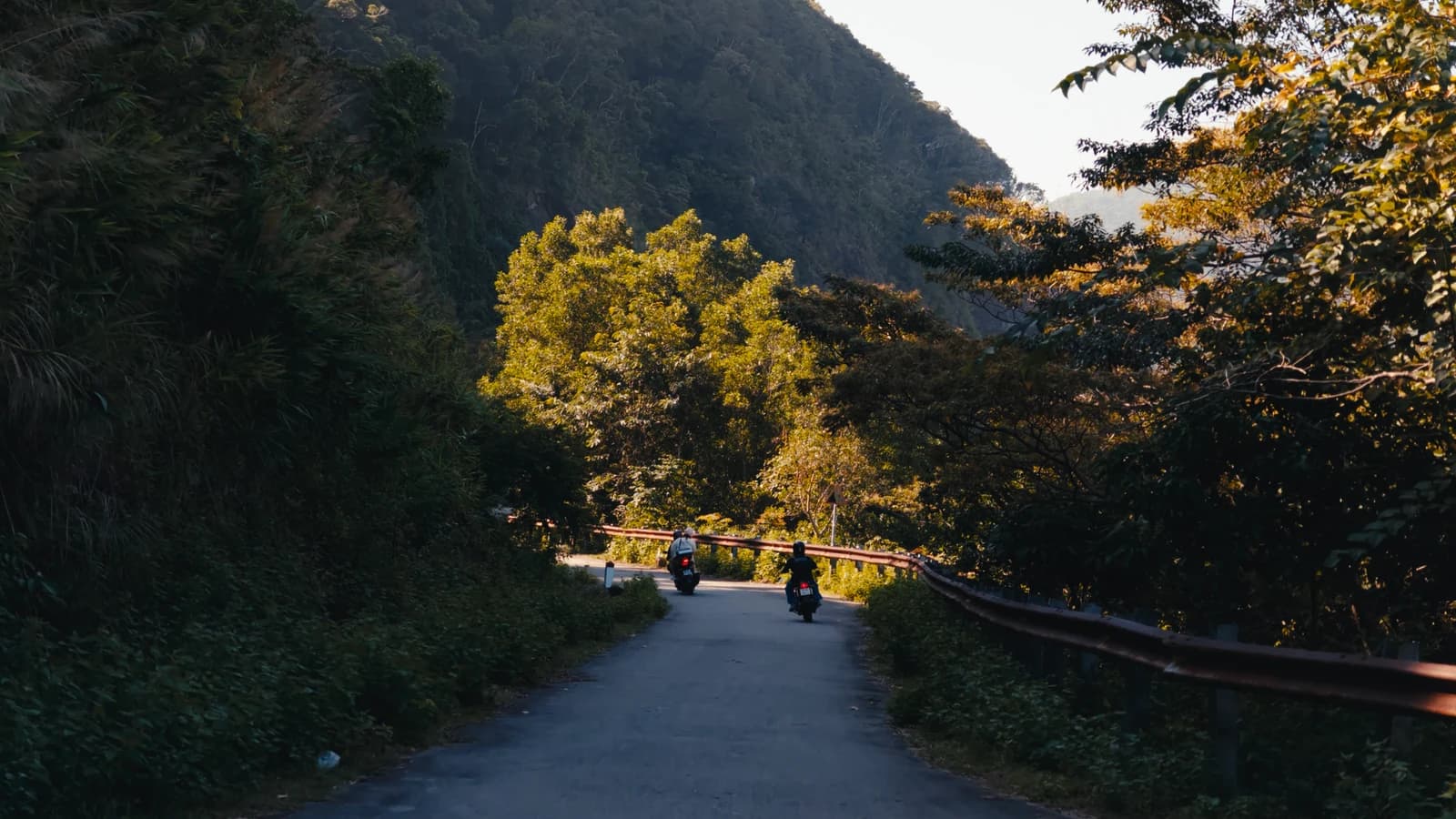
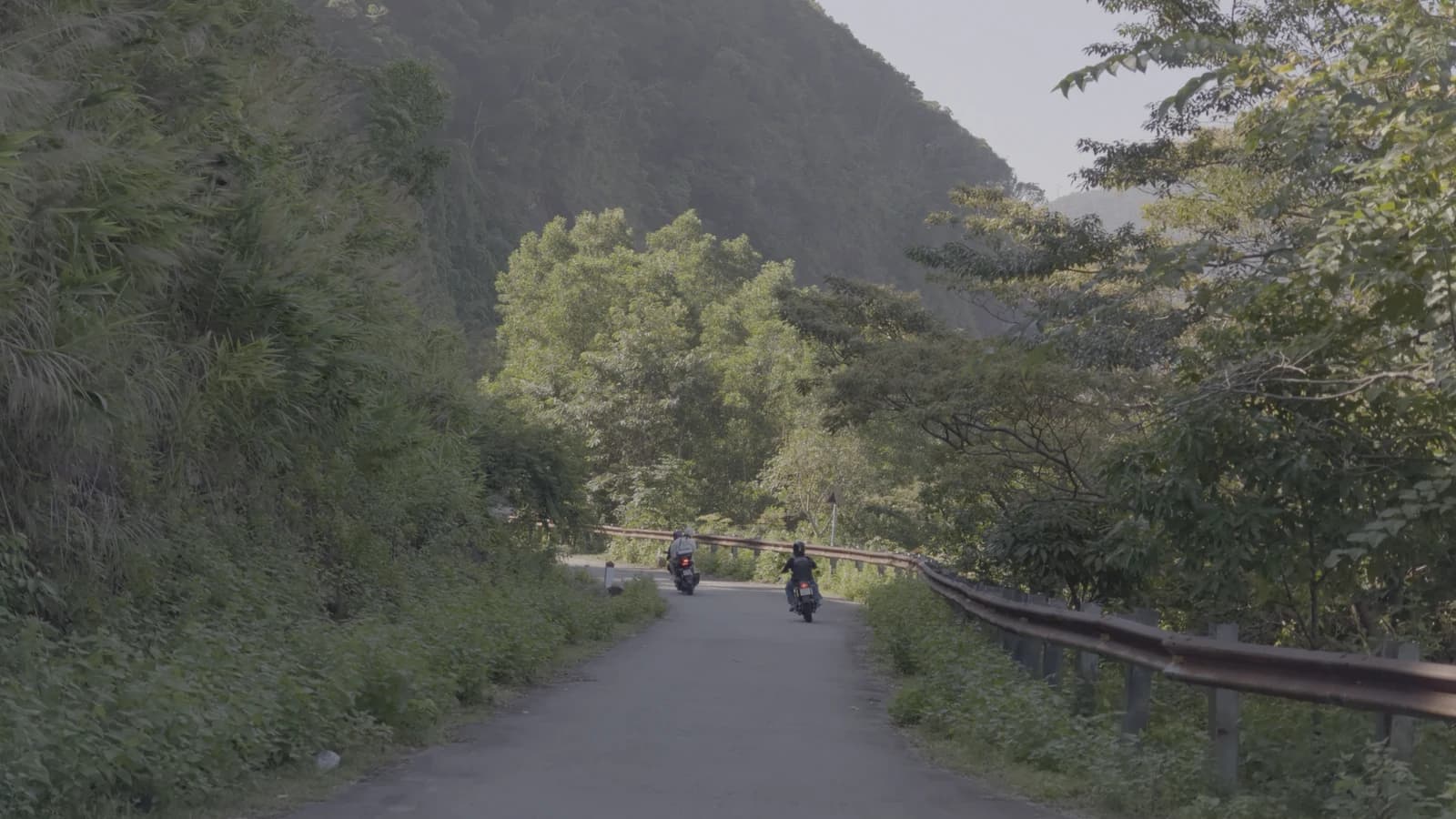
A free Clean LUT for DJI Pocket 4 and 4P in D-Log and Insta360 Luna in I-Log. The same Clean as in Pocket LUT.
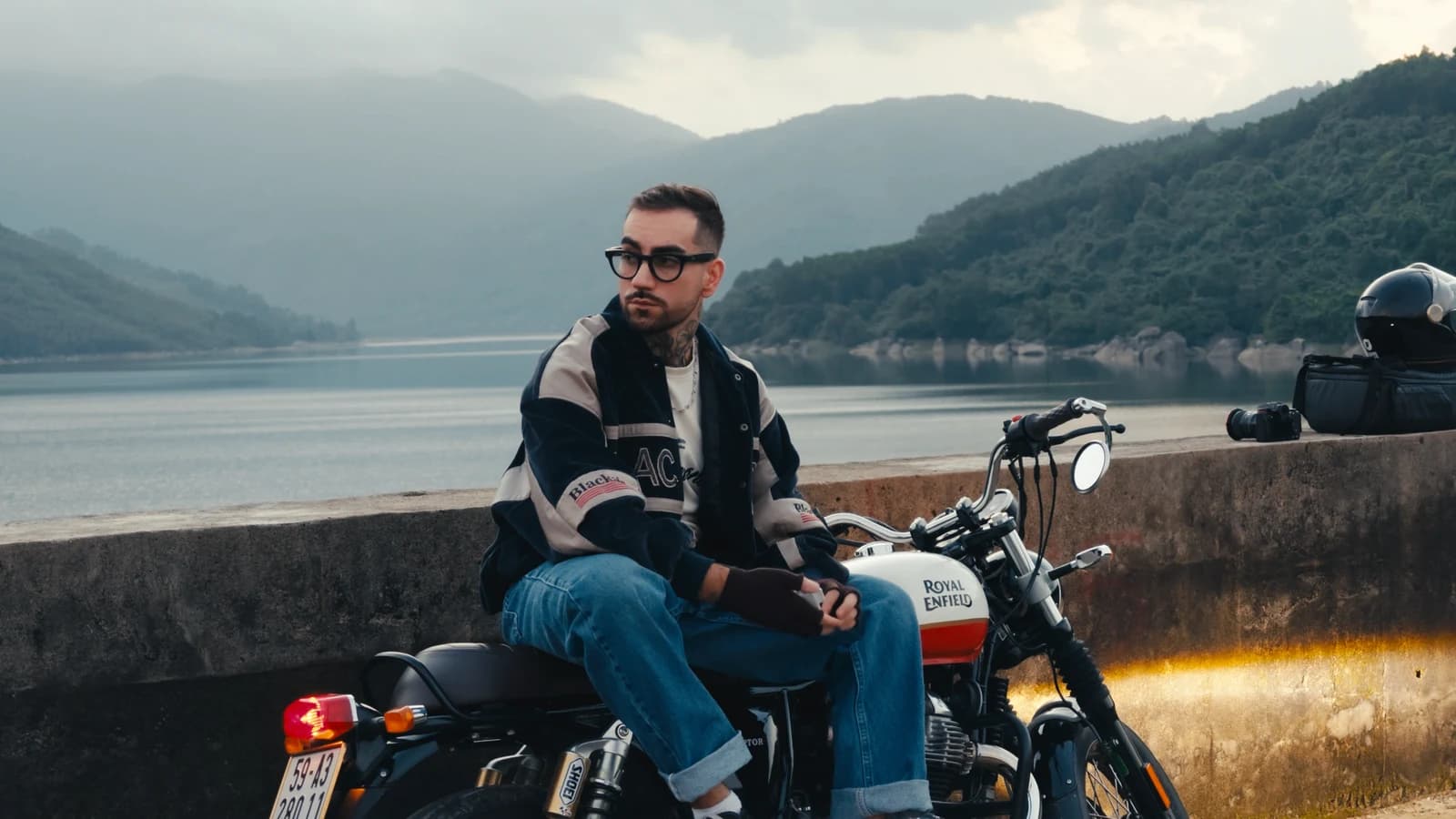
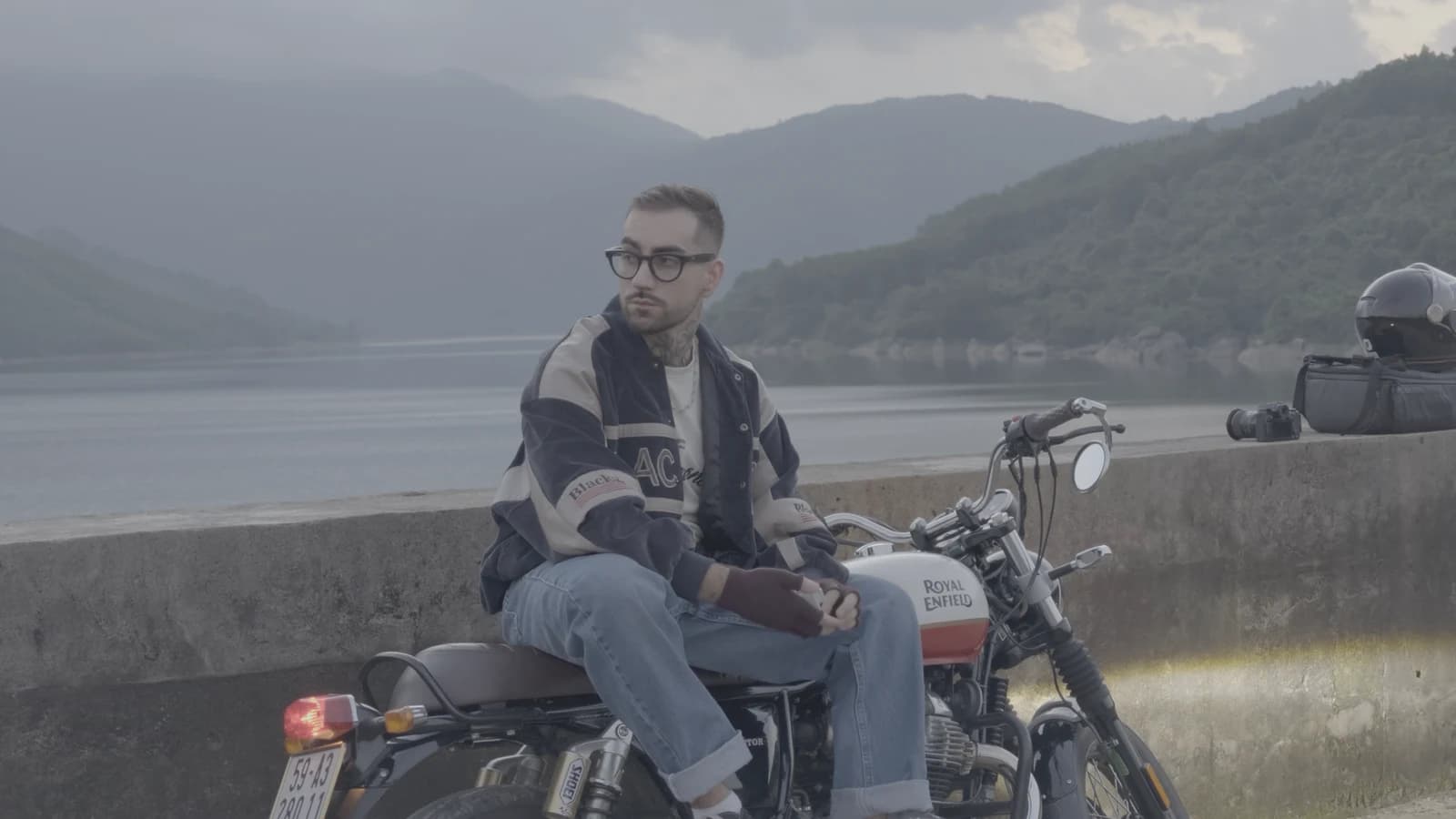
Four looks for pocket cameras: DJI Pocket 4 and 4P in D-Log, Insta360 Luna in I-Log. A separate set for each camera.
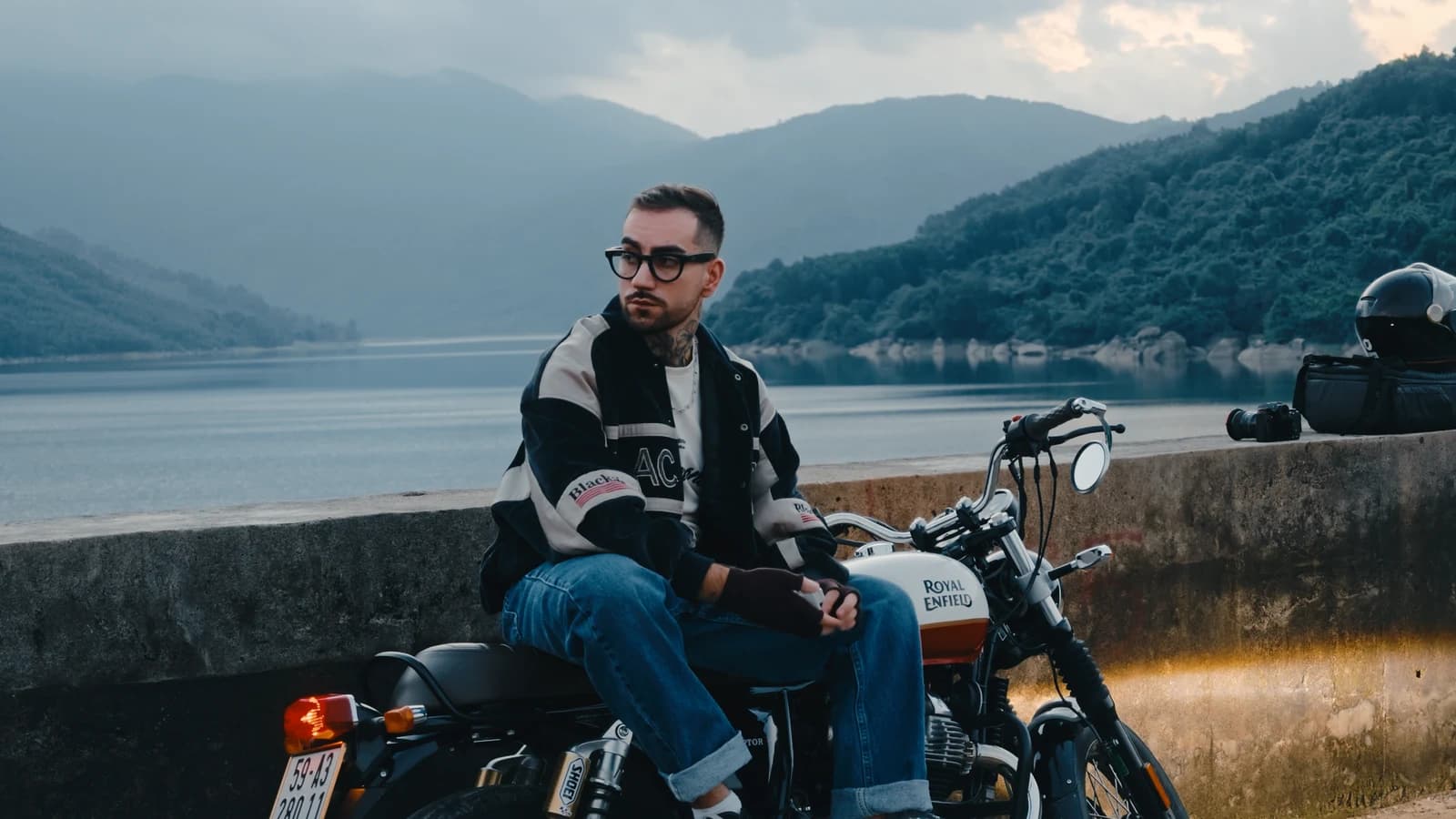
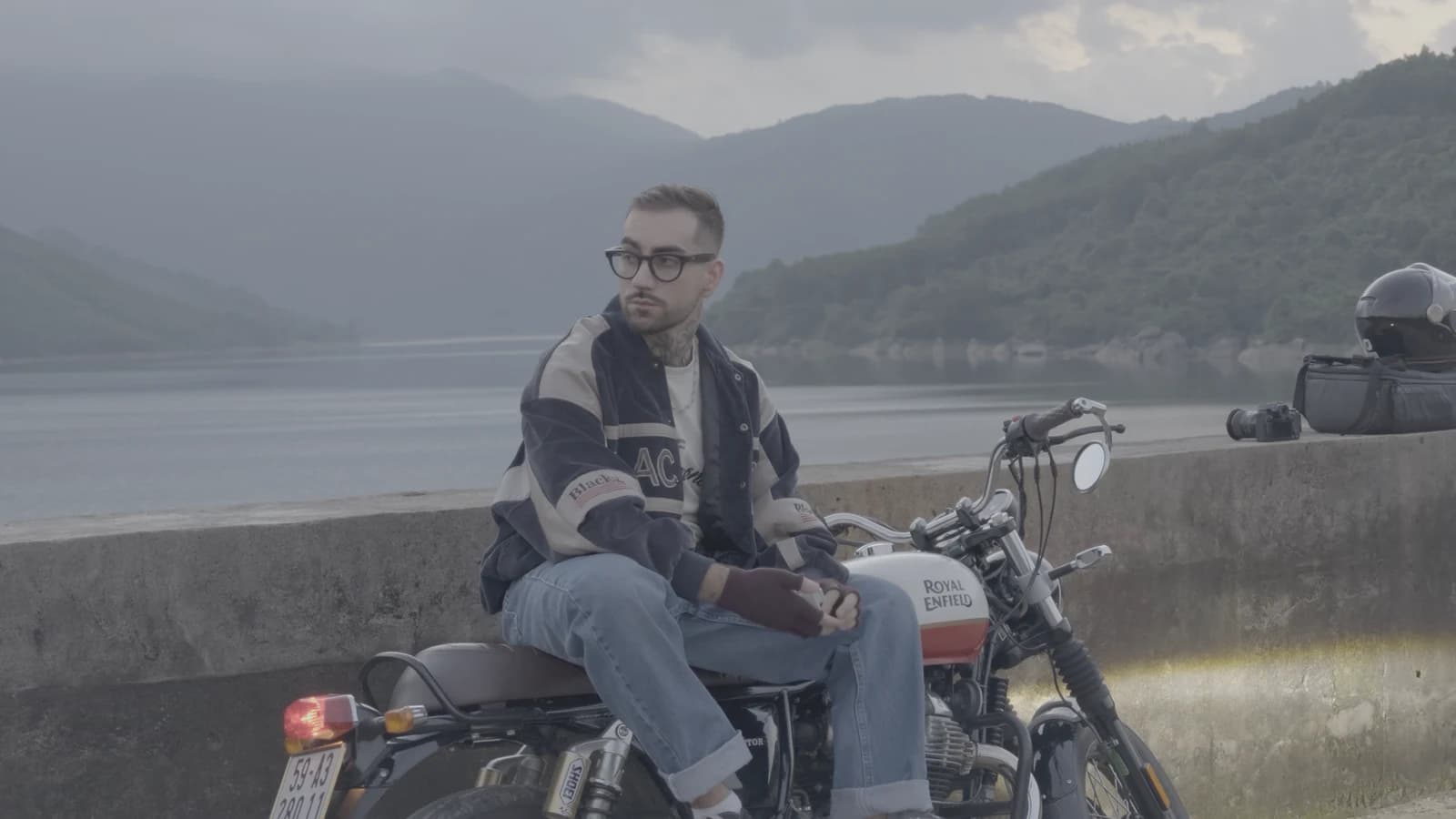
Everything for pocket cameras in one archive: the four Pocket LUT looks and four DaVinci grades. The grades come in two sets, for Insta360 Luna and for DJI Pocket 4, with the CST node already set to the camera.
Everything in one archive: LUTs and grades for log cameras, iPhone, pocket cameras and DJI Osmo. For anyone shooting on more than one camera.